Restoring an Archived Configuration
Firebox Vclass User Guide 405
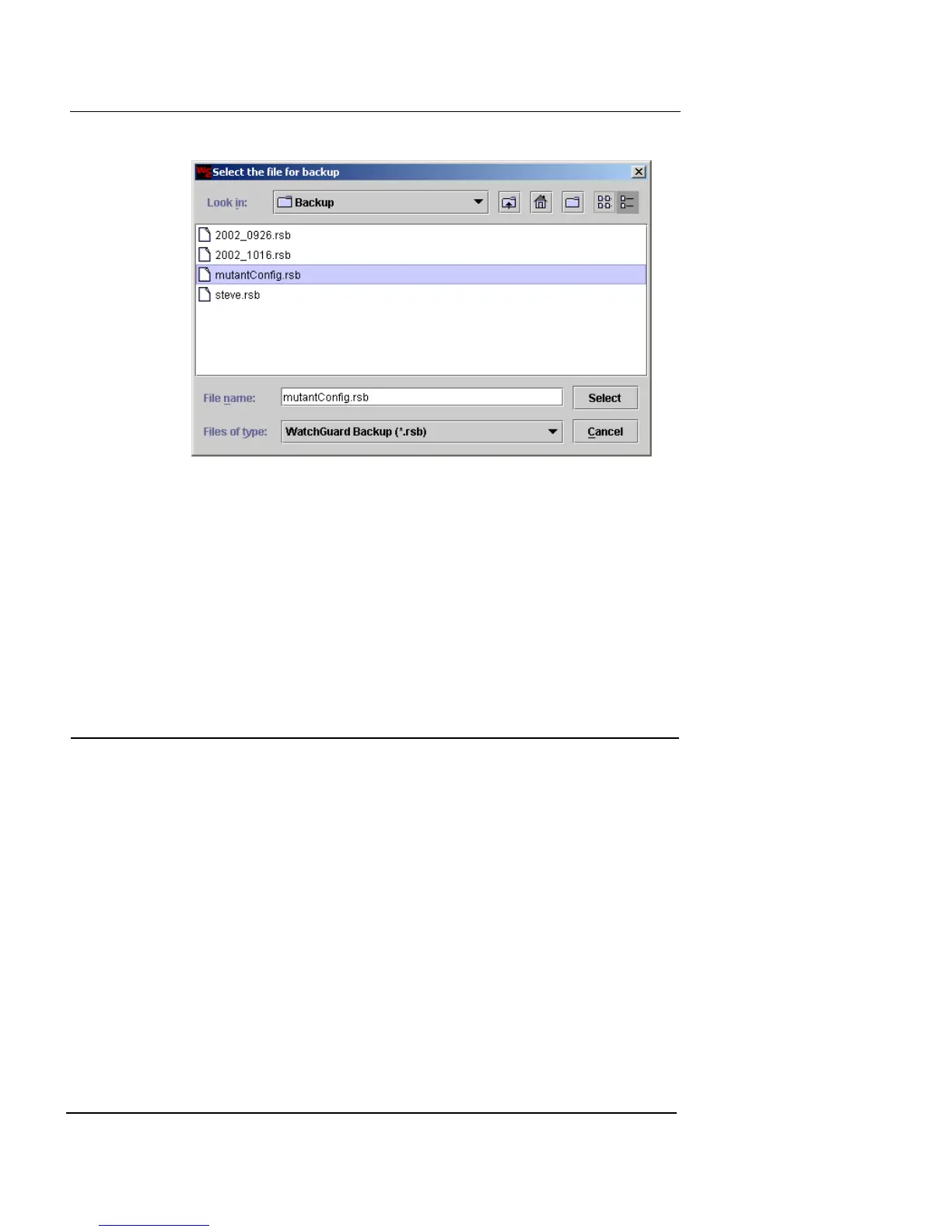
5 Browse to the directory, type a file name of your
choosing in the appropriate field, and then click Select.
The newly created file path appears in the file name field.
6 Click Backup Now.
It is strongly recommended that you copy the archived file
into a safe location.
Restoring an Archived Configuration
You can restore the Vclass configuration from any previous
configuration that you have backed up, as long as it is
backed up with the same Vclass software version (for
example, 5.0). Be careful when restoring configurations to
restore the correct configuration to the appropriate appli-
ance. For example, a backup configuration for a V80 model
cannot be used to restore a V60 model.
To restore an archived configuration file:
1 Click the Restore tab.













 To Next Page