CHAPTER 4: Firebox Vclass Basics
70 Vcontroller
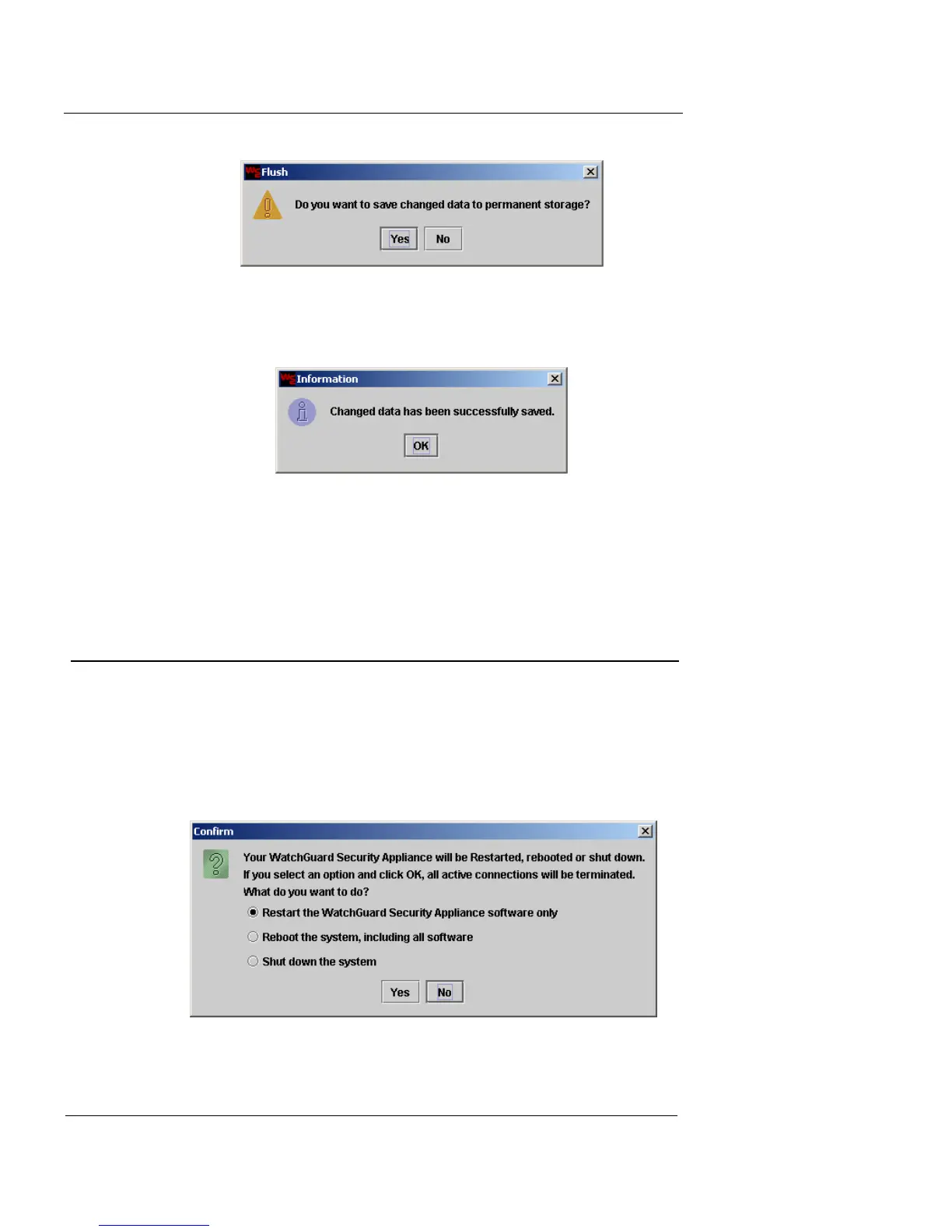
3 To save the changes, click Yes.
An Information dialog box appears indicating that the save was
successful.
4 Click OK.
You can now exit Vcontroller or click Log In to reconnect to the
Firebox Vclass appliance.
Shutting Down and Rebooting
To perform a software shutdown prior to turning off the
appliance:
1 From the main Vcontroller window, click Shutdown/
Reboot.
A Confirmation dialog box appears.













 To Next Page