Executing a CLI Script
Firebox Vclass User Guide 421
Executing a CLI Script
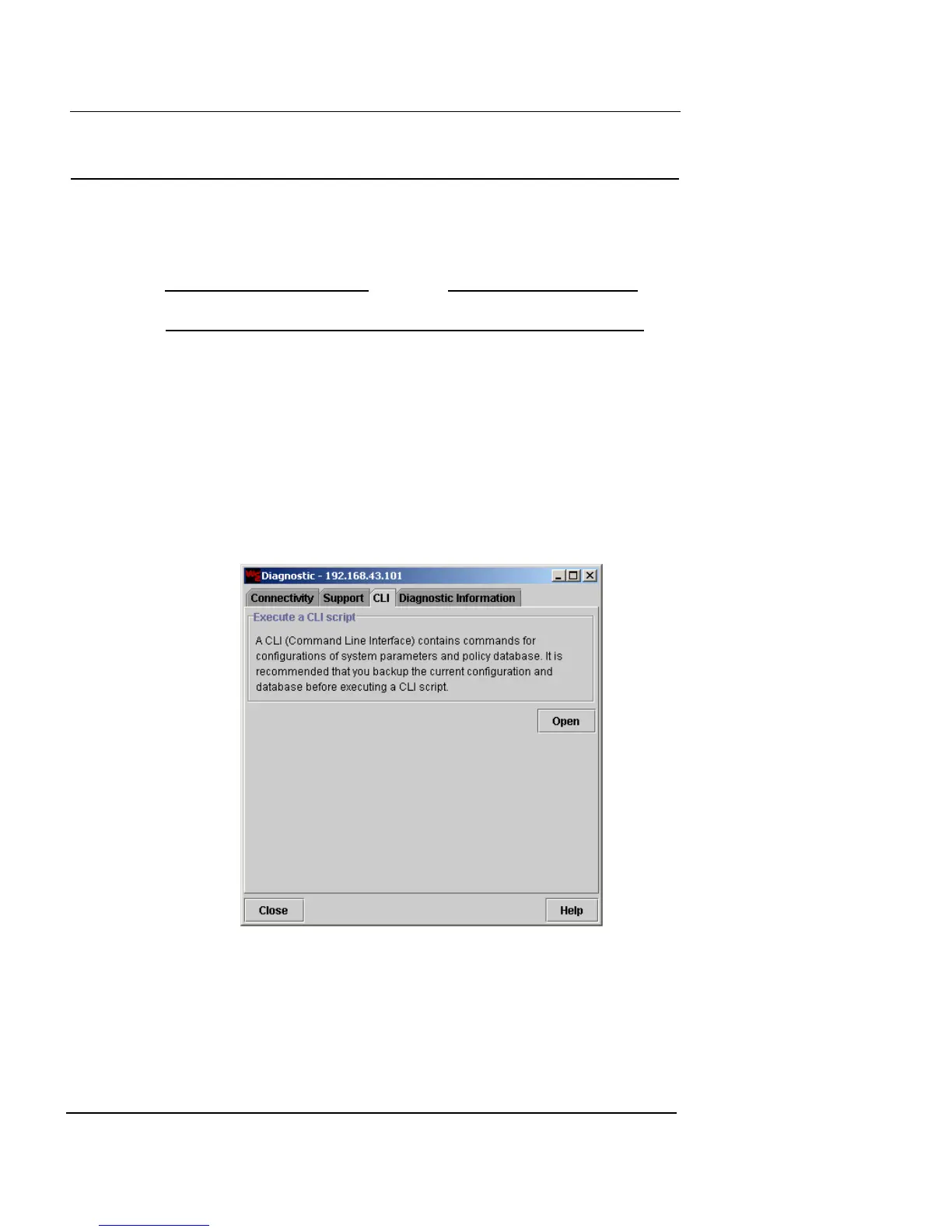
The CLI (Command Line Interface) feature in Vcontroller
can be used to execute an update, maintenance, or other
script on your Vclass device.
N
OTE
This is not an actual command line interface window.
After you have received the script from a network admin-
istrator or other personnel and stored it on your file sys-
tem, you can follow these steps to execute it on your
appliance.
1 From the main Vcontroller window, click Diagnostics/
CLI.
The Diagnostics dialog box appears.
2 Click the CLI tab.
3 Click Open.
The Open dialog box appears.













 To Next Page