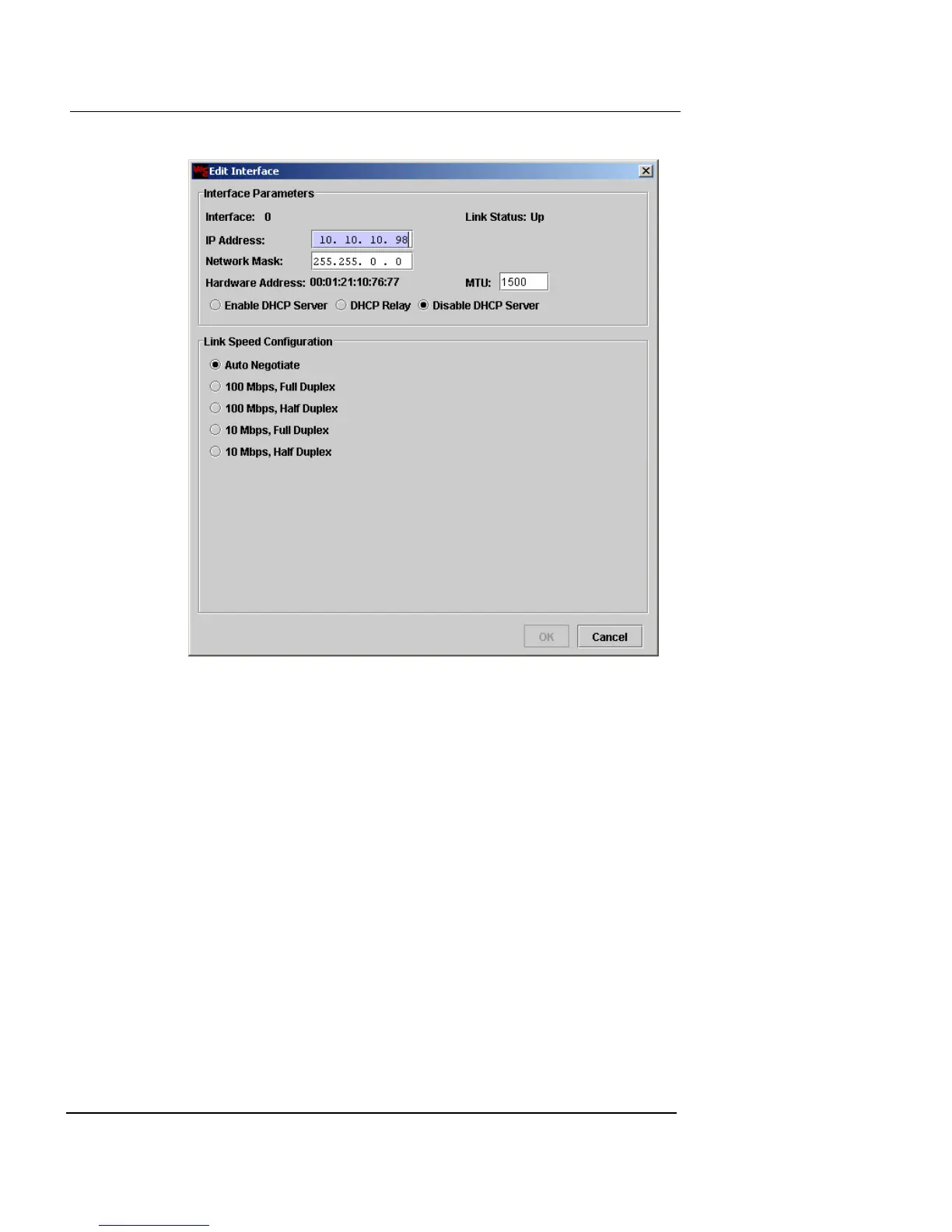
Interface Configuration
Firebox Vclass User Guide 97
2 In the IP Address and Network Mask fields, type the
appropriate IP address.
The interface Hardware Address (MAC address) is displayed
beneath these fields.
3 In the MTU field, type the MTU to determine the
maximum size of each packet. The default is 1500
bytes.
Enable DHCP Server
4 If you want to enable the appliance as a DHCP server,
click Enable DHCP Server.
The dialog box changes to show DHCP Server options. This
option is not available if the appliance is configured for High
Availability, or the appliance is in Transparent Mode.













 To Next Page