CHAPTER 13: Using Alarm Manager
356 Vcontroller
8 Click Email Notification to activate email notification.
Type the email address in the appropriate field. To
send an email notification to more than one email
address, type each address using a space to separate
them.
9 Click OK.
The new alarm definition appears in the list of Alarm Definitions.
Repeat this process to create other single-condition alarms.
Defining a multiple-condition alarm
1 Click the Alarm Definitions tab and then click Add.
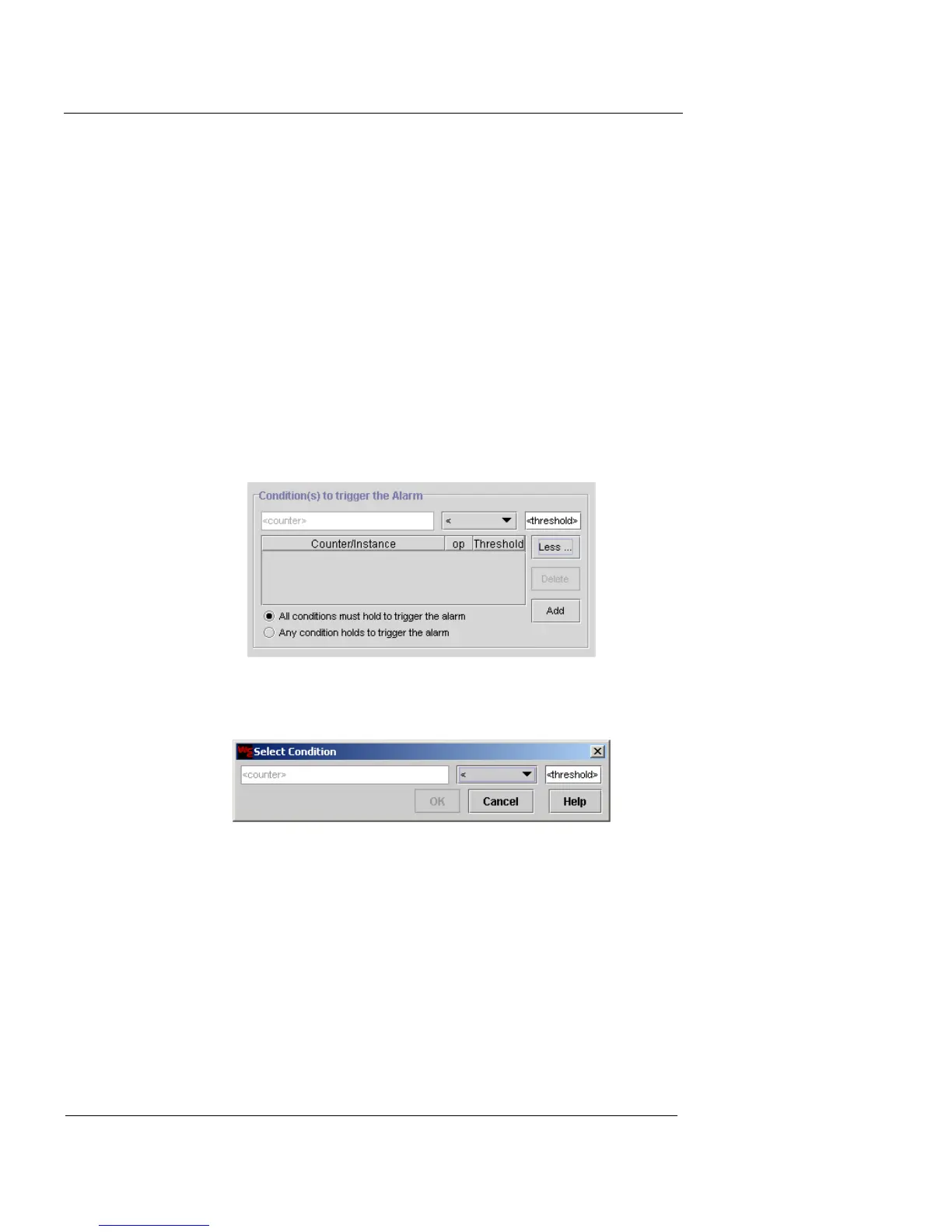
2 Click More.
Two condition options appear.
3 Click Add.
The Select Condition dialog box appears.
4 Click the text field where <counter> appears. This field
acts as a button.
The Select a Counter dialog box appears.
5 From the Probe Category drop-down list, select
System, Policy, or VPN End-point Pairs.
The display changes depending upon your choice of Probe
Category.













 To Next Page