Alarm Definitions
Firebox Vclass User Guide 355
3 Click Select.
For more information about the counters and their capabilities,
see “A Catalog of Real-time Monitor Probe Counters” on
page 368.
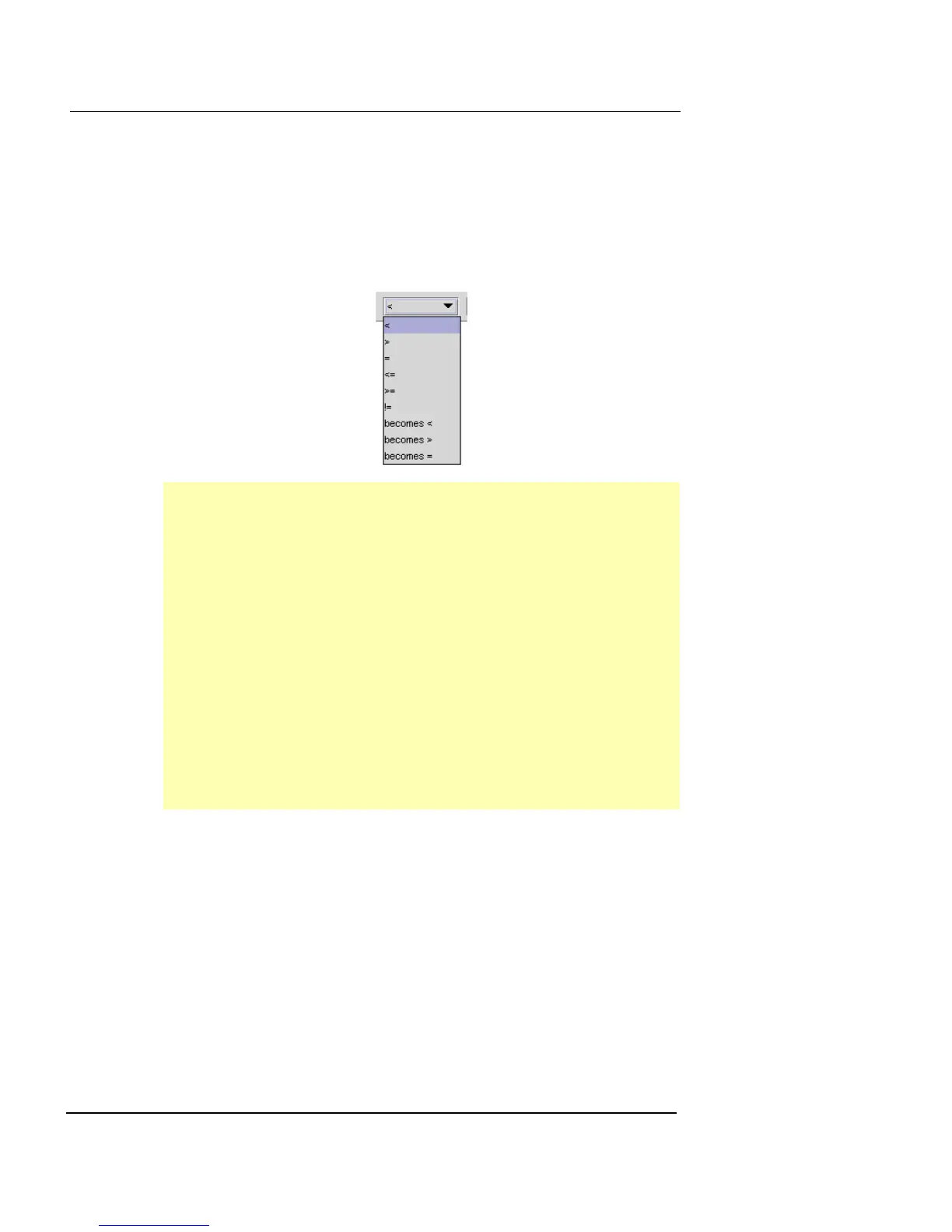
4 From the Alarm Definition drop-down list, select the
option you want.
5 Delete the text in the <threshold> field and type a
number value. This value can be a whole number or a
percentage.
6 Click Alarm Log to keep a record of all instances of this
alarm.
7 Click SNMP Trap to initiate an SNMP trap. When this
alarm is triggered, a message is sent to the
Management Station.
< Indicates “less than”
> Indicates “greater than”
= Indicates “equal to”
<= Indicates “less than or equal to”
>= Indicates “greater than or equal to”
!= Indicates “not equal to becomes”
becomes > Condition will be true if the counter value
becomes greater than the threshold value
becomes < Condition will be true if the counter value
becomes less than the threshold value
becomes = Condition will be true if the counter value
becomes equal to the threshold value













 To Next Page