Certificate Configuration
Firebox Vclass User Guide 123
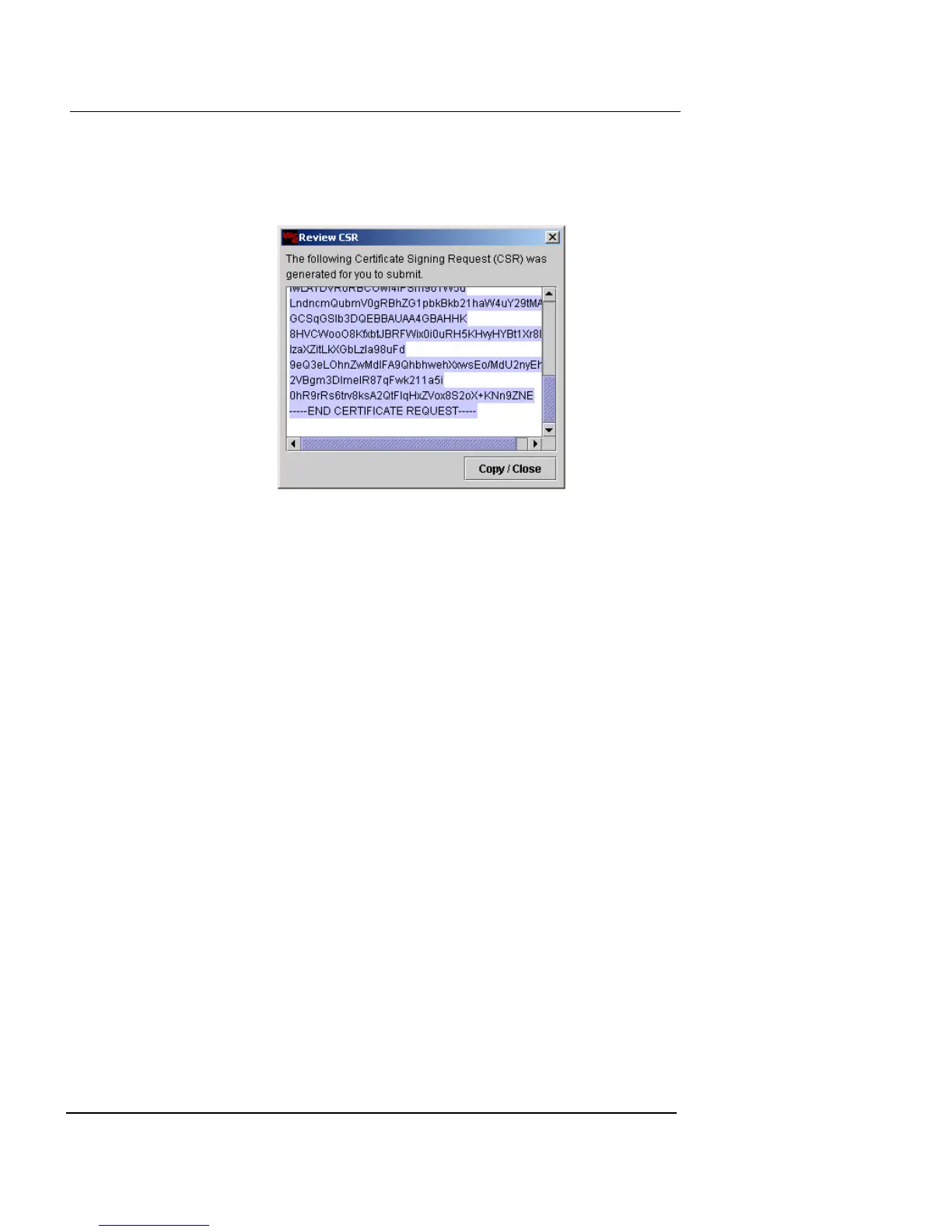
3 Click Review CSR to view the Certificate Signing
Request.
The Review CSR dialog box appears.
4 Click Copy/Close to return to the Review CSR dialog
box.
A copy of the CSR is sent to the clipboard.
5 Click OK.
You must wait for the certificate to arrive in the form of a
text file from the co-signing authority. When you have
received it, follow the instructions in the next procedure.
Importing a certificate or CRL file
If this is the first certificate you import, you must import
the root certificate before importing the actual certificate,
or the new x.509 certificate (and any others you subse-
quently import) will not be usable.
To import the root certificate:
1 Make sure that the root certificate file is present in a
local directory.
2 Click Import Certificate/CRL.
The Import Certificate/CRL dialog box appears.













 To Next Page