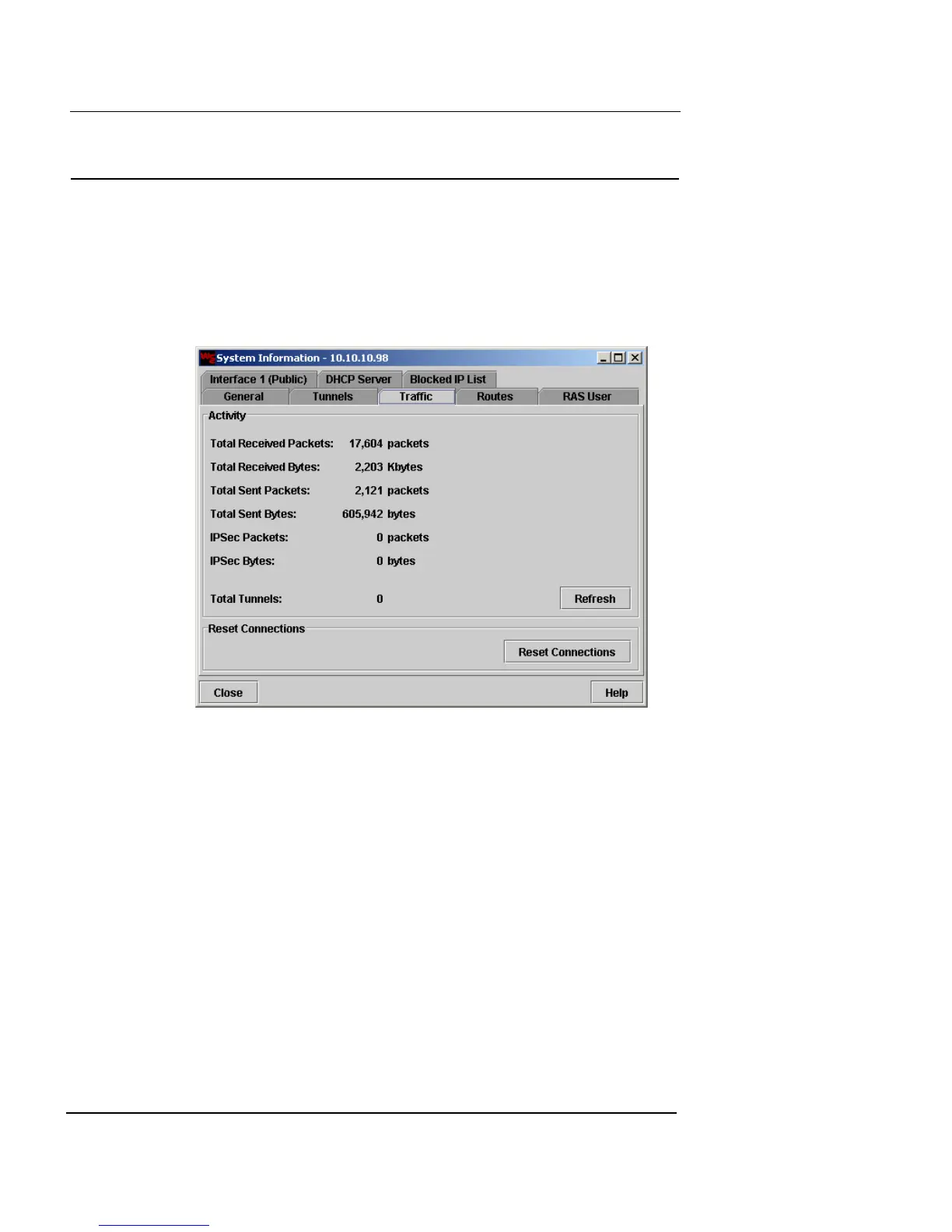
Traffic Information
Firebox Vclass User Guide 393
Traffic Information
To view traffic activity information:
1 From the main Vcontroller window, click System
Information.
The System Information dialog box appears.
2 Click the Traffic tab.
The following information is displayed on the Traffic tab:
Total Packets
Total number of packets processed since the last
reboot of this appliance. This includes packets that
pass through this appliance and those that are
discarded by firewall policies.
Total Bytes
Data traffic in total bytes processed through this
appliance since the last reboot.
IPSec Packets
IPSec activity in total number of packets that have
been encrypted or decrypted, since the last system
startup.













 To Next Page