Running the Vcontroller Installation Wizard
Firebox Vclass User Guide 39
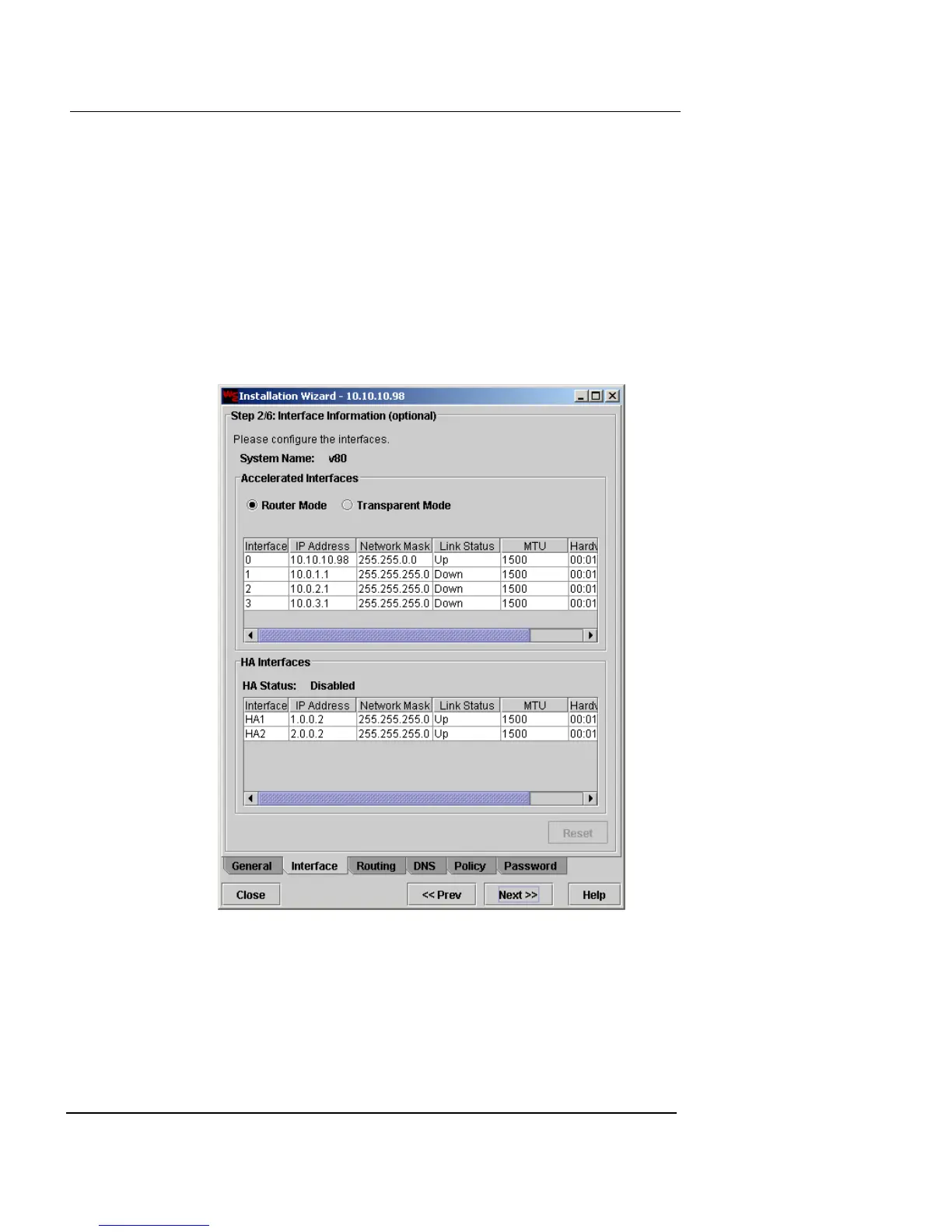
Configure the Interfaces in Router Mode
This procedure describes how to configure an interface
using the Installation Wizard for an appliance running in
Router Mode.
Configure Interface 0 (Private)
1 Click Next.
The Interface Information window appears. The appliance is in
Router Mode by default.













 To Next Page