CHAPTER 3: Getting Started
48 Vcontroller
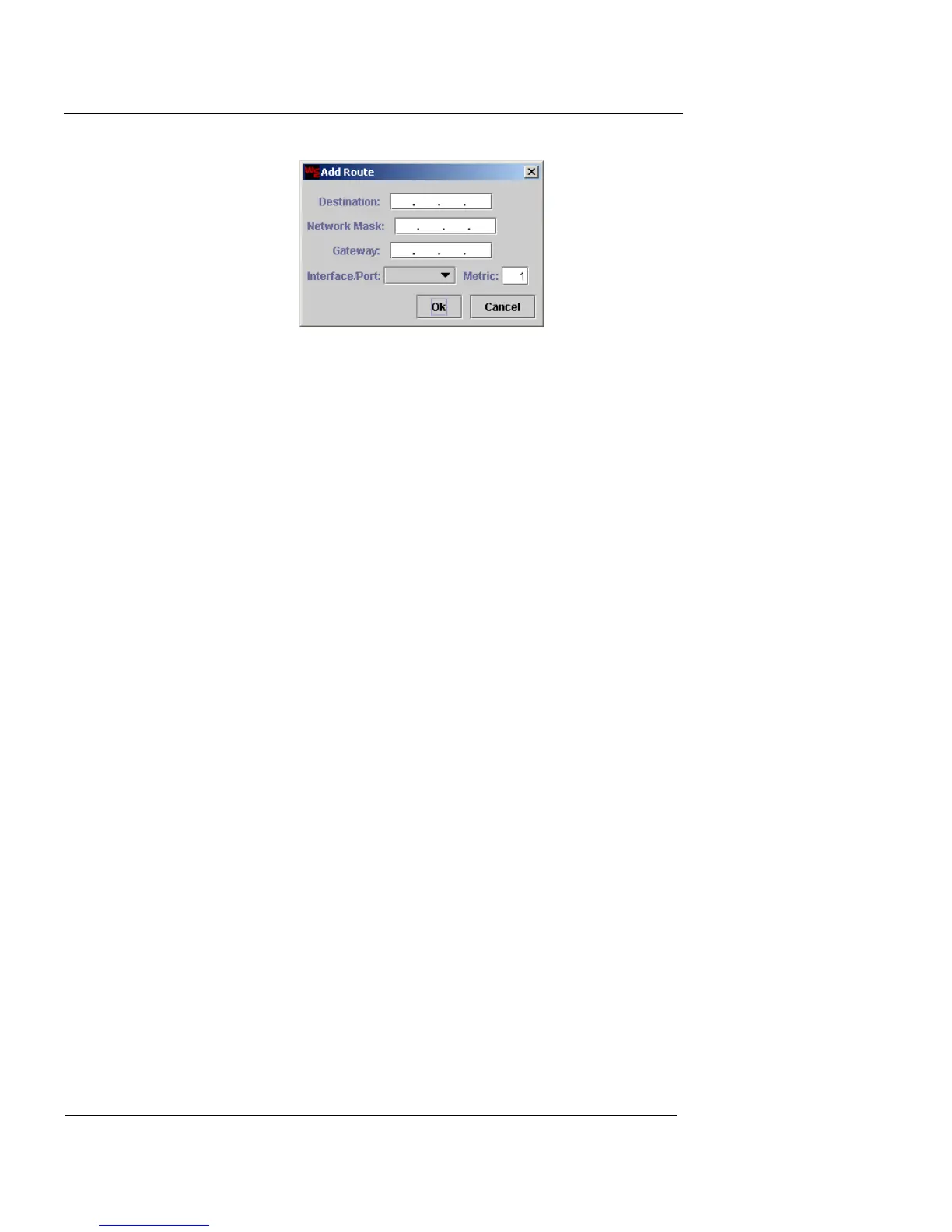
4 Type the destination IP address, network mask, and
gateway of the route in the appropriate fields.
5 Select the interface–0, 1, 2, or 3–through which traffic
will be exchanged, from the Interface/Port drop-down
list.
6 Type the Metric number in the appropriate field.
7 Click OK.
8 Repeat this process as needed.
Define the DNS servers
1 When you have finished adding routes, click Next to
proceed to the next step of the Installation Wizard. If
you added any new routes, a confirmation window
appears, click OK.
The Setup DNS Servers window appears.













 To Next Page