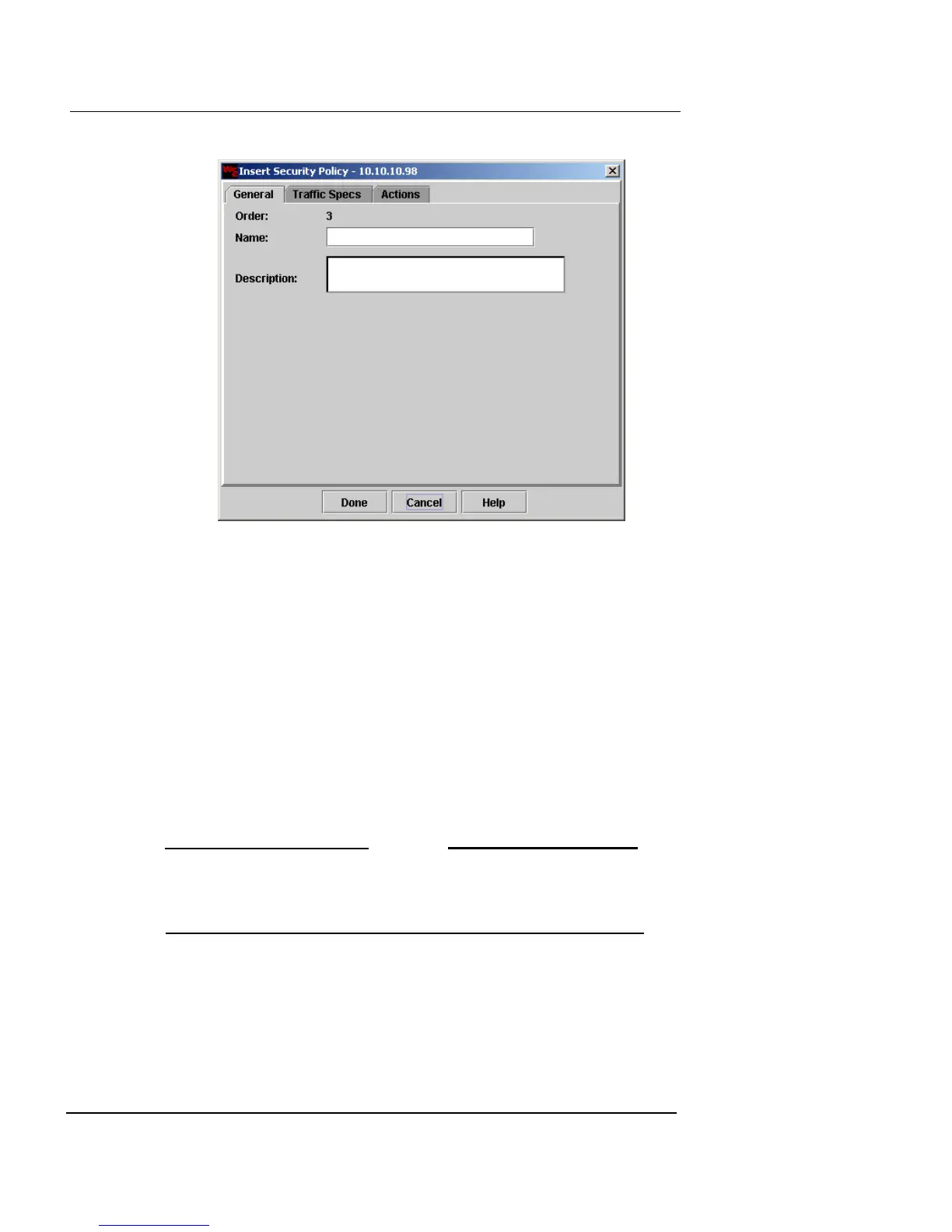
Defining a Security Policy
Firebox Vclass User Guide 179
2 Click the Traffic Specs tab to view and edit traffic
information for the policy.
3 Click the Actions tab to view and edit actions
performed by the policy.
4 When you have finished, click Done.
Defining source and destination
Source and destination information for a security policy
are defined in the Traffic Specs page of the Insert Security
Policy dialog box. To see this page, click the Traffic Specs
tab on the Insert Security Policy dialog box.
N
OTE
When you are editing a policy that already exists, this dialog
is called the Edit Security Policy dialog box. However, the
functionality is the same.
The default sources and destinations are as follows:
ANY
This represents any possible source or destination.
It is useful when selecting sources or destinations
outside your network.













 To Next Page