Using Policy Manager
Firebox Vclass User Guide 175
overall outgoing throughput, while individual policy
actions prioritize specific data.
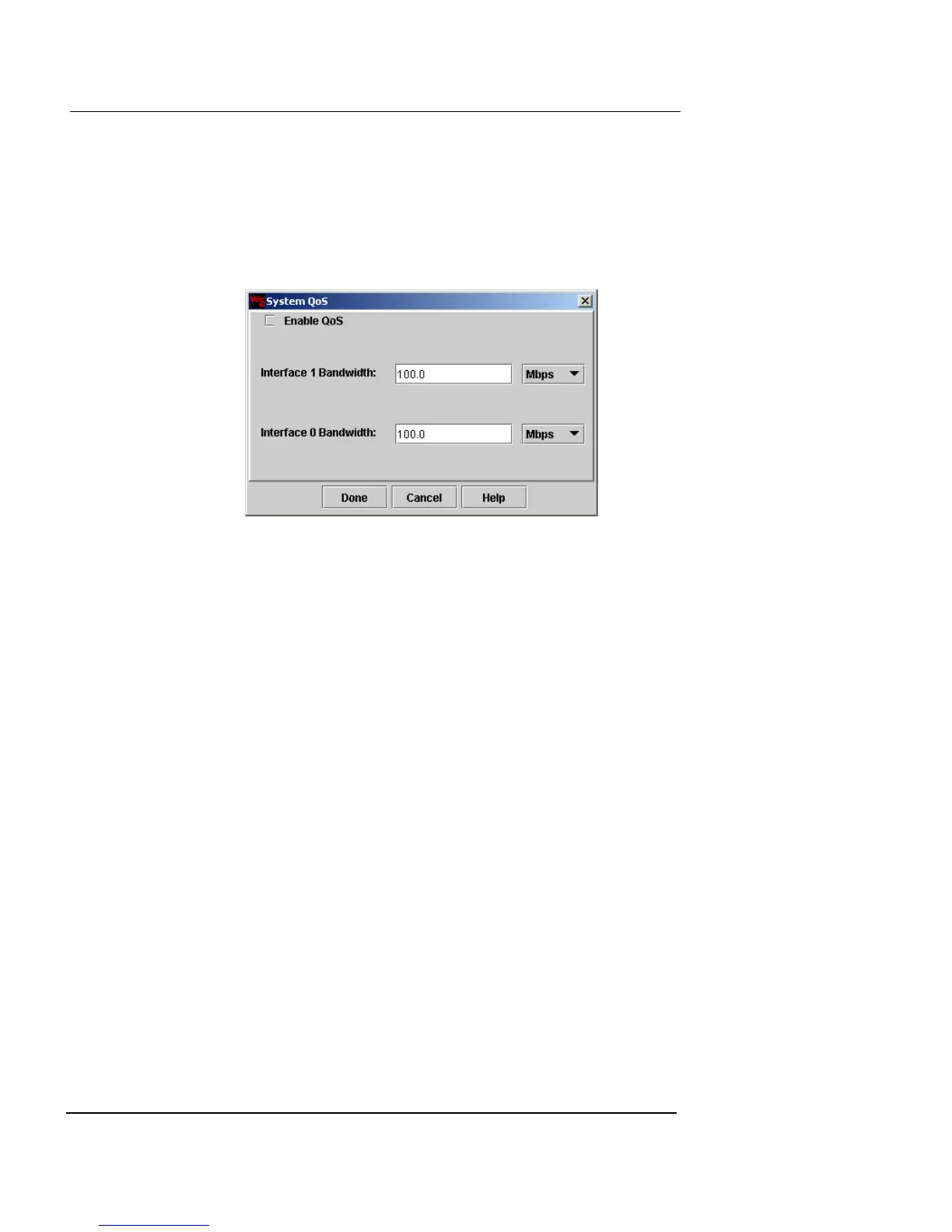
To apply system-wide QoS port shaping:
1 Click System QoS.
The System QoS dialog box appears.
2 To configure QoS for either the Public or Private
interfaces, select the Enable QoS checkbox.
3 Select either Kbps or Mbps from the drop-down lists.
4 Click Done.
Using tunnel switching
For information on using tunnel switching with VPN poli-
cies, see “Using Tunnel Switching” on page 323.
Using Policy Checker
As you compile and insert new policies in the Policy Man-
ager window, you can use the Security Policy Checker win-
dow to find and apply the correct policy. This limited test
verifies that the policy is in the proper sort order and that it
will be activated when qualifying data is detected.
To test a security policy:
1 Click Security Policy. The Policy Manager window
appears. Click the Policy Checker button on the left













 To Next Page