CHAPTER 7: Using Account Manager
154 Vcontroller
Managing accounts
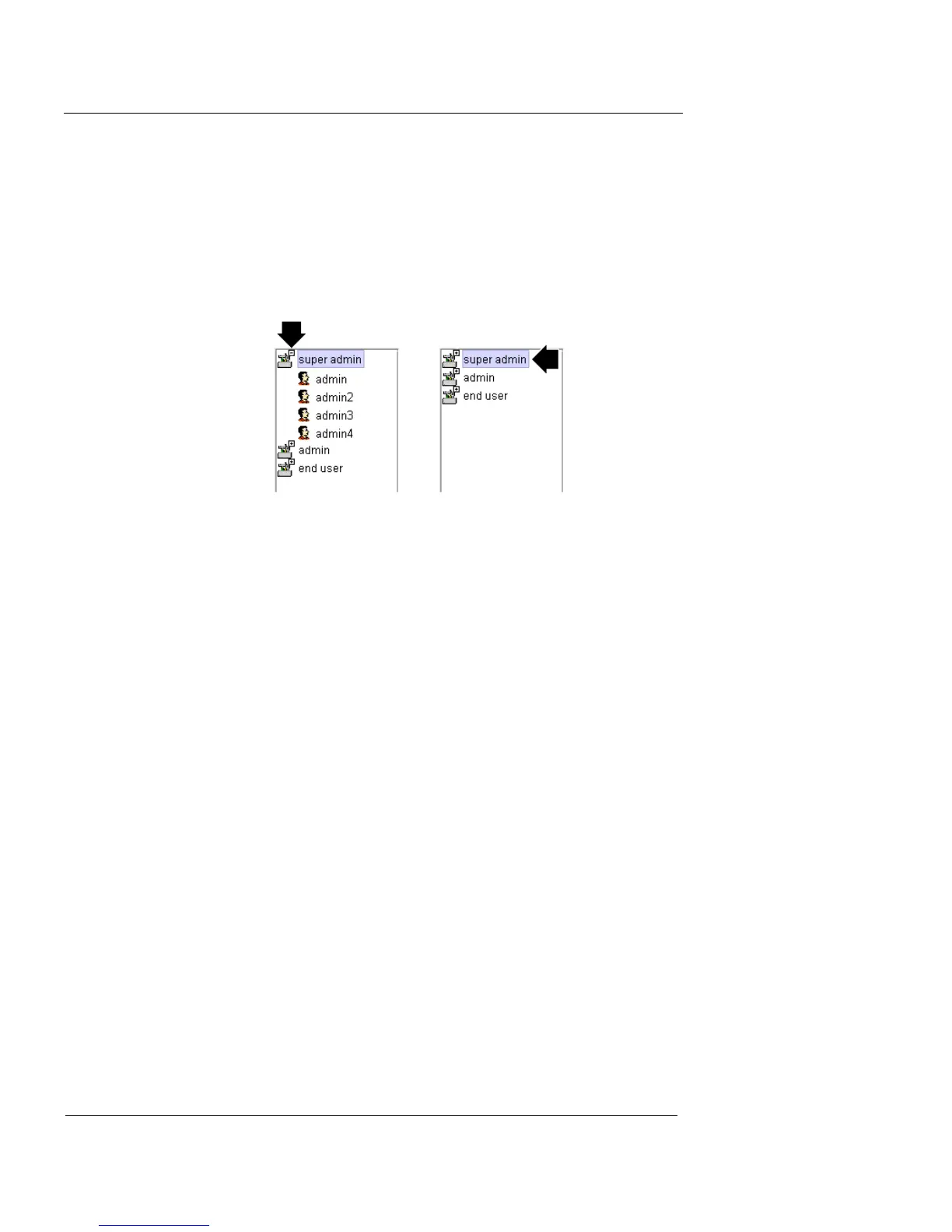
Showing and hiding accounts
You can hide accounts in the Account Manager window by
double-clicking the minus (—) box at the top of the role
mini-icon.
This hides the list of accounts from view, and replaces the
minus box with a plus box.
If you need to see the list of accounts at a later time, dou-
ble-click the plus box.
The complete list of accounts appears in the Account Man-
ager window. If needed, you can edit or delete any of the
listed accounts, as described in the following sections.
Modifying an existing account
To change an account by adding or removing an access
privilege:
1 Open the Account Manager, and expand the category
list on the left.
2 Select the account to be edited.
The current access roles of this account appear in the Selected
column to the right.
3 To add a new role to this account, select the
appropriate role in the Unselected column, then click
Add to move that item into the Selected column.













 To Next Page