Using Tenants
Firebox Vclass User Guide 189
• When the connection is made, a Login form appears in
the browser.
• The user clicks in each of the three text entry fields and
types the required information.
• The browser displays either a Confirmation message,
indicating that the connection is complete and ready
for use, or an Invalid Entry alert, allowing the user to
try reentering his or her login information.
• The user can now perform any network tasks with this
connection.
Defining tenants
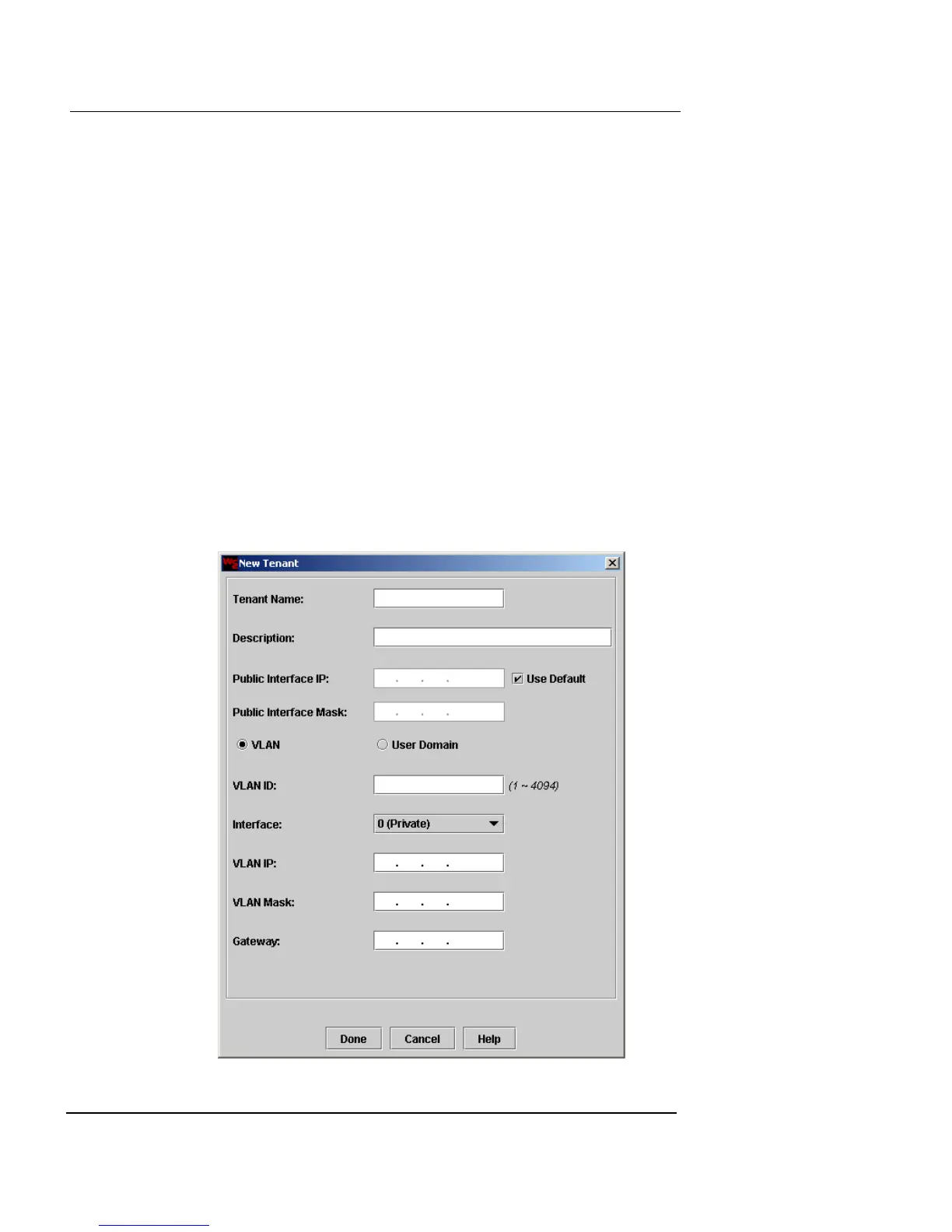
To create VLAN tenants:
1 Click New next to the Tenant drop-down list.
The New Tenant dialog box appears.













 To Next Page