Log Archiving
Firebox Vclass User Guide 387
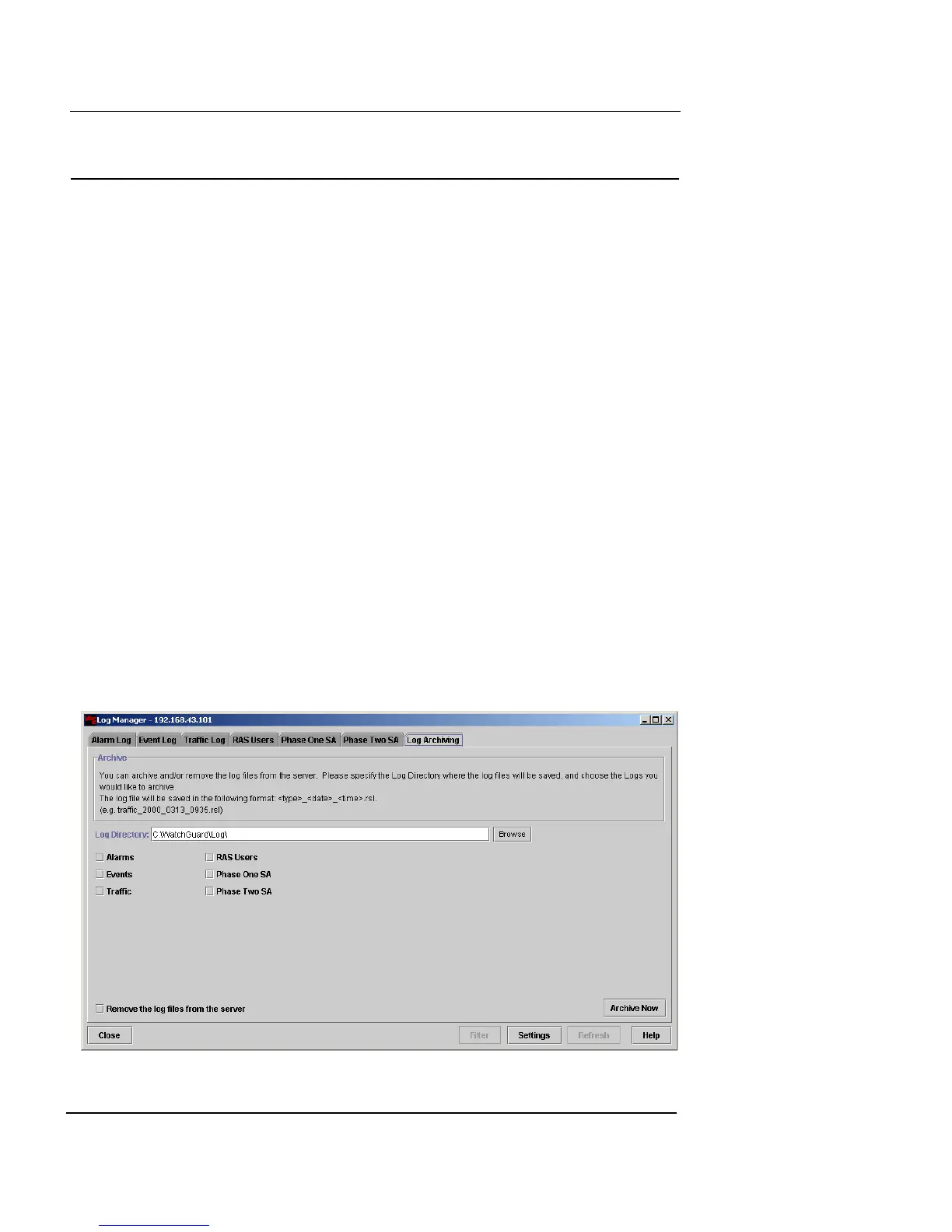
Log Archiving
When your log files are full or nearly full, or if your organi-
zational archiving policy dictates, you can archive your log
files to a text file. This file will be archived to a specific
directory on your workstation:
Windows workstations:
c:\WatchGuard\log
UNIX workstations:
users home directory
Log files are assigned a name in this format:
<type>_<date>.rsl
For example, a traffic log file that was archived at 10:30 am
on May 19, 2001 would be named:
traffic_20010519_1030.rsl
To archive your log files:
1 From the main Vcontroller window, click Log
Manager.
The Log Manager window appears.
2 Click the Log Archiving tab.













 To Next Page