Alarm Definitions
Firebox Vclass User Guide 359
14 Click OK.
The new alarm definition appears in the list of Alarm Definitions.
Repeat this process to create other multi-condition alarms.
Managing alarm definitions
You can update an alarm definition, enable or disable a
current alarm, or delete an alarm definition that is no
longer needed in the Alarm Manager window.
To Update an alarm definition:
1 Open the Alarm Manager window, and click the Alarm
Definitions tab.
2 Select the alarm that is to be updated and click Edit.
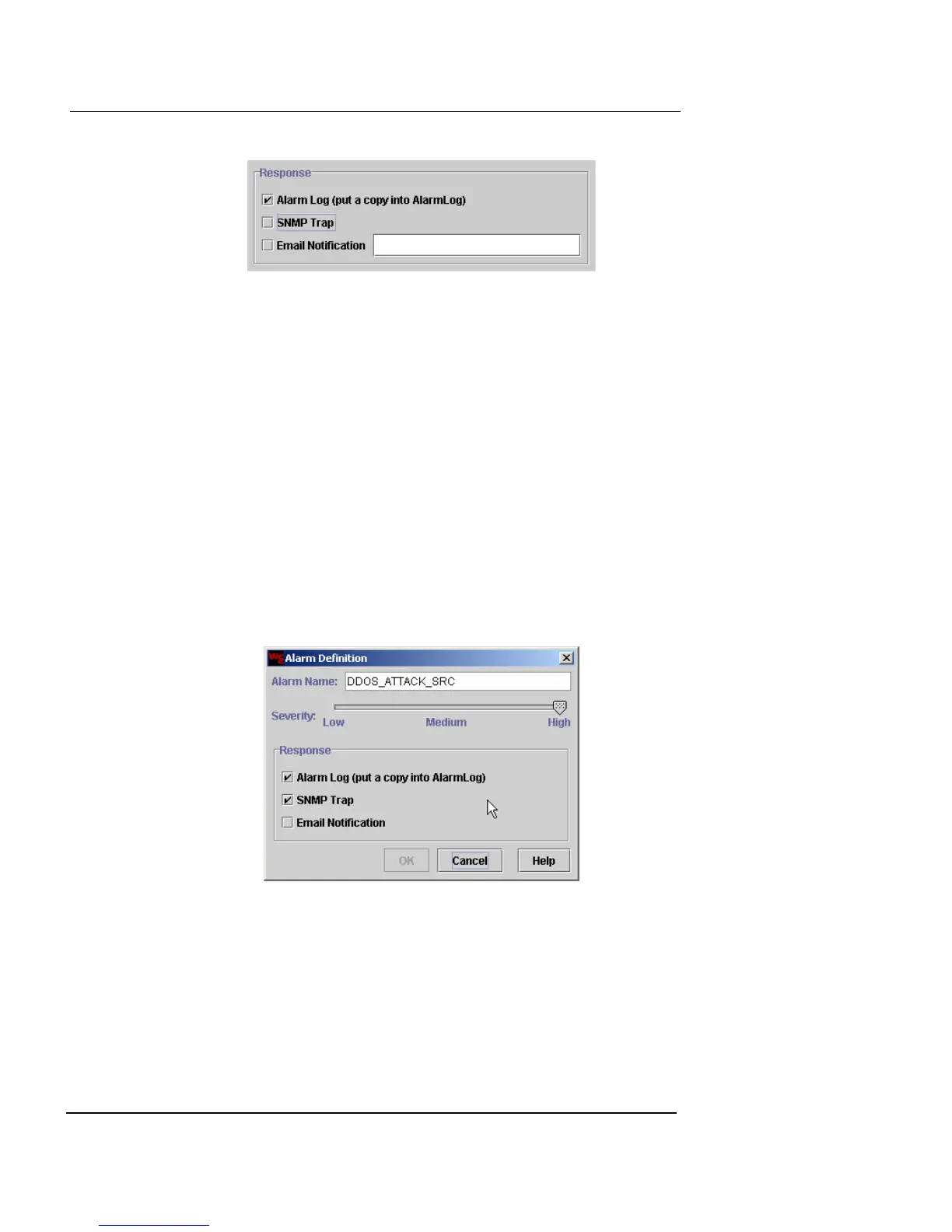
The Alarm Definition dialog box appears.
3 Make the changes to the severity and response options.
4 Click OK when finished to return to the Alarm
Manager window.
5 Click Close.













 To Next Page