Setting a Vclass Appliance to Transparent Mode
Firebox Vclass User Guide 87
6 Click Update.
If more than one appliance is listed in this window, you can set an
IP address for each appliance at this time, prior to clicking Apply
All.
7 If there are no more appliances to be set, click Apply
All.
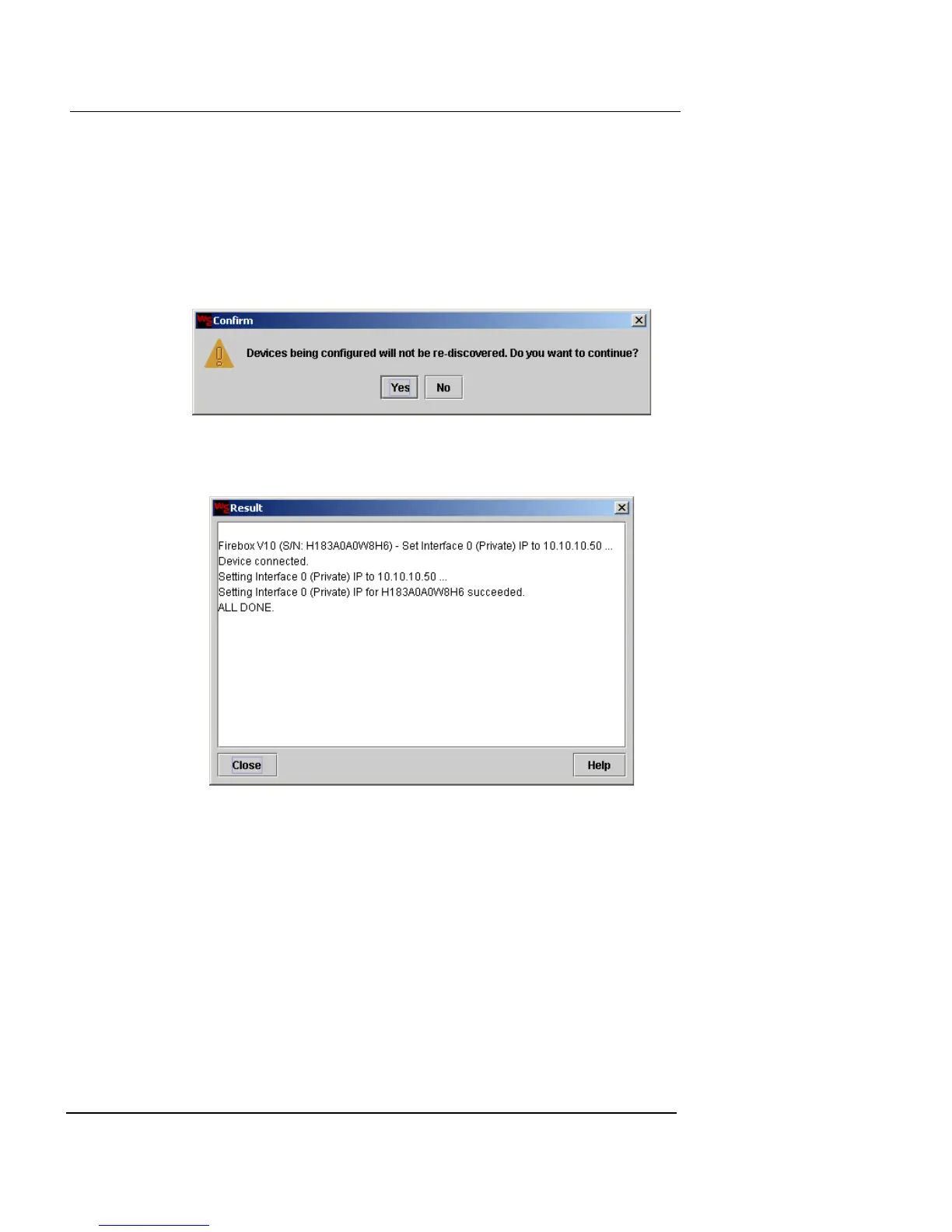
A confirmation window appears.
8 Click Yes to proceed.
The Result window appears.
9 Wait for the Result window to display “ALL DONE”
and then click Close to return to the Set Interface
window.
10 You can now use Vcontroller to edit the interface for
this appliance and continue the installation process.
Setting an Appliance to Transparent Mode
using the Installation Wizard
You can set a factory default appliance to Transparent
Mode using the Installation Wizard. For instructions, see













 To Next Page