Defining an RUVPN Security Policy and an IPSec Action
Firebox Vclass User Guide 345
7 Click Perfect Forward Secrecy.
8 Select an option from the Unselected Proposals list,
and then click
Add.
The proposal is displayed in the Selected Proposals field.
For more information on configuring IPSec actions, see
“Defining an IPSec action” on page 315.
Defining a security policy for RUVPN
To define a security policy:
1 On the left side of the Policy Manager window, click
Security Policy, or on the main Vcontroller window,
click Security Policy.
The Policy Manager window refreshes and the Security Policy list
is displayed.
2 Select an entry point from the list of policies and then
click
Insert.
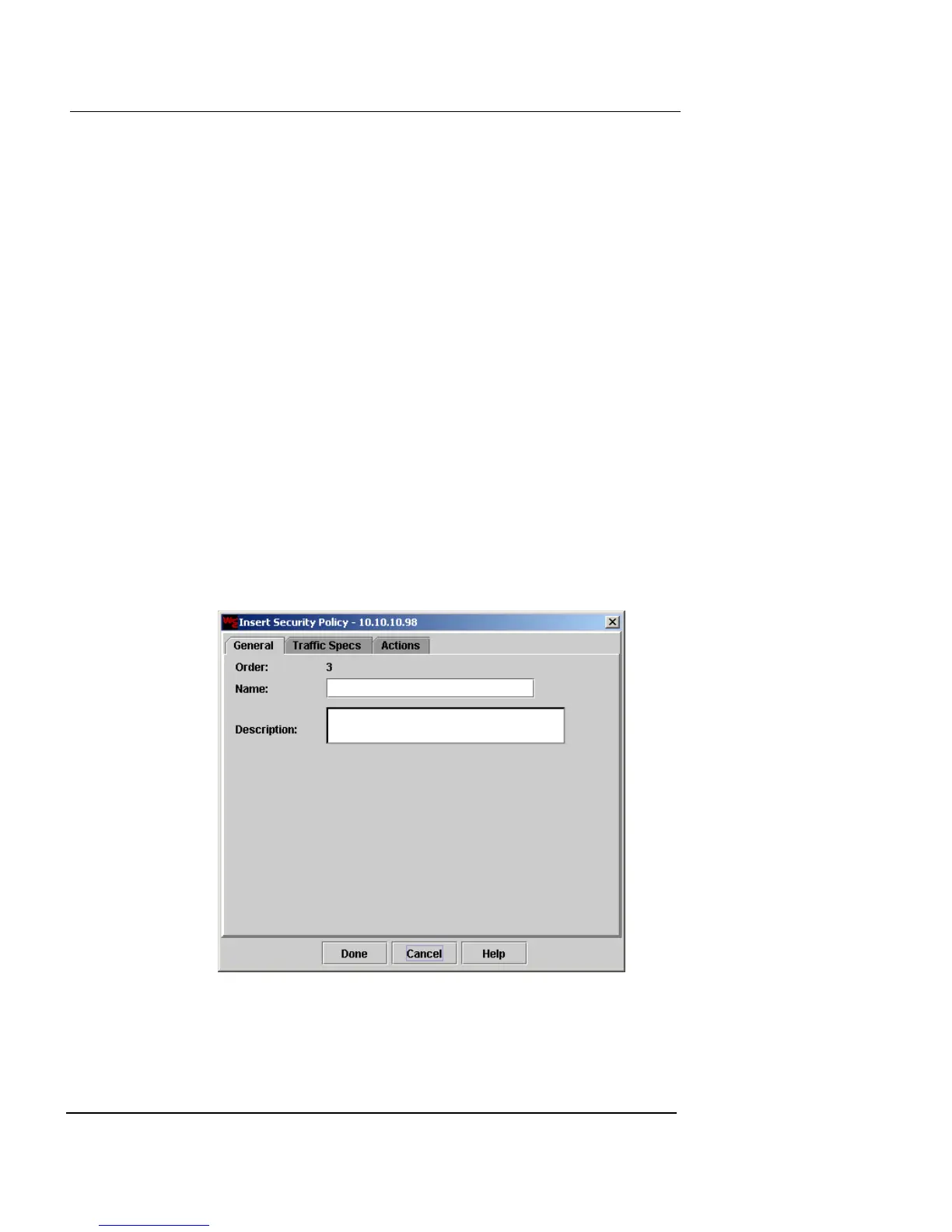
The Insert Security Policy dialog box appears, showing the
General tab.
3 In the Name and Description fields, type a name and
brief description for the security policy. The
Description field is optional.













 To Next Page