CHAPTER 12: Creating a Remote User VPN Policy
346 Vcontroller
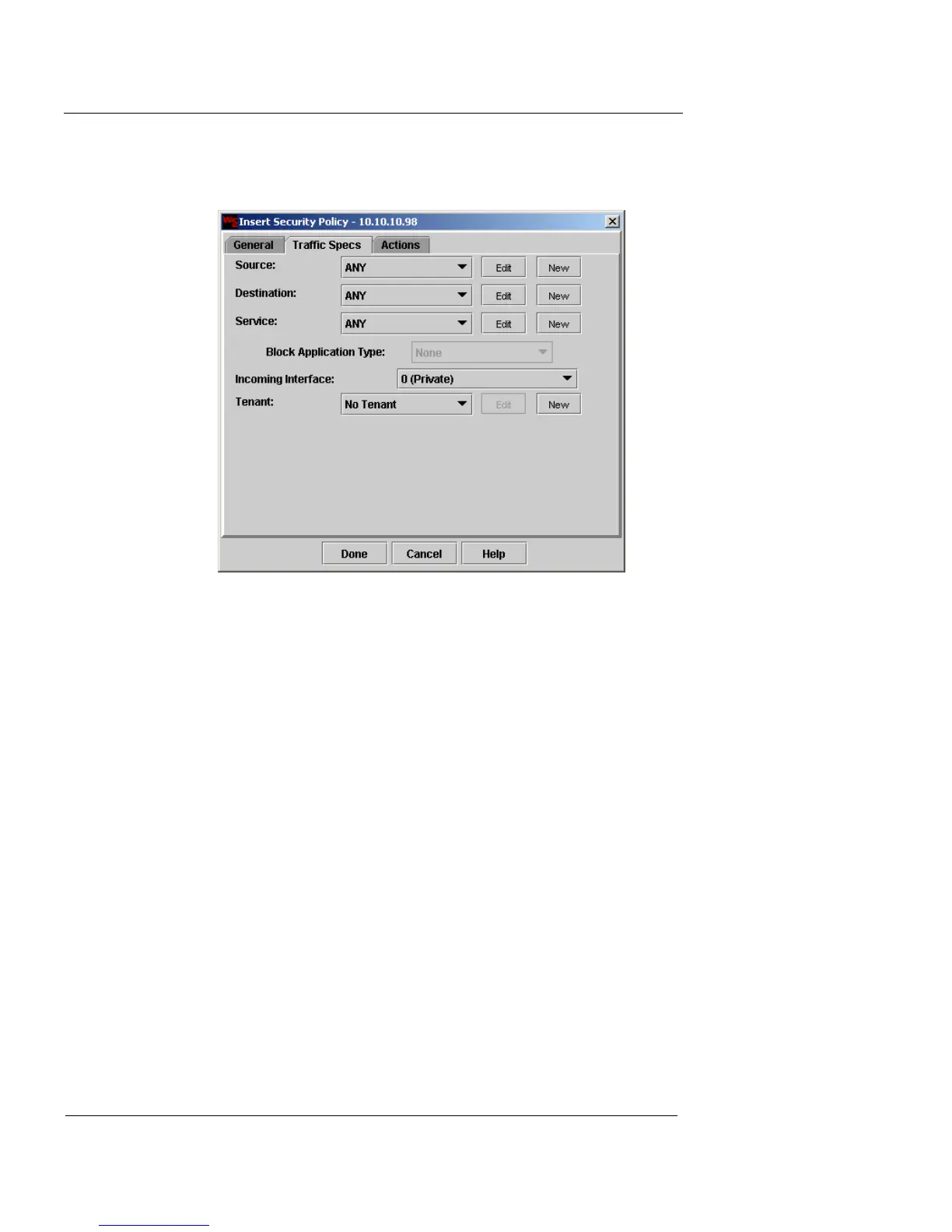
4 Click the Traffic Specs tab.
The Traffic Specs page appears.
5 Select one of the following options from the Source
drop-down list:
- If no internal IP addresses are to be assigned to
remote users, the Source should be an address
group with a membership of ANY.
- If internal IP addresses will be automatically
assigned to all remote users, the Source should
then be the address group you created earlier in
the User Group Profile dialog box.
6 Select a preconfigured address group from the
Destination drop-down list corresponding to the local
appliance or click
New to create a new address group.
For information on creating an address group, see
“Defining an address group” on page 180.
The Destination will be only those network resources accessible
by remote access users.













 To Next Page