CHAPTER 16: System Information
396 Vcontroller
Viewing RAS user information and tunnel
details
You can view a real-time snapshot of a user connection,
including information about the properties of a user, prop-
erties of tunnels being used by this user, and detailed traf-
fic statistics.
1 Select a user entry from the Active RAS Users list and
then click Detail.
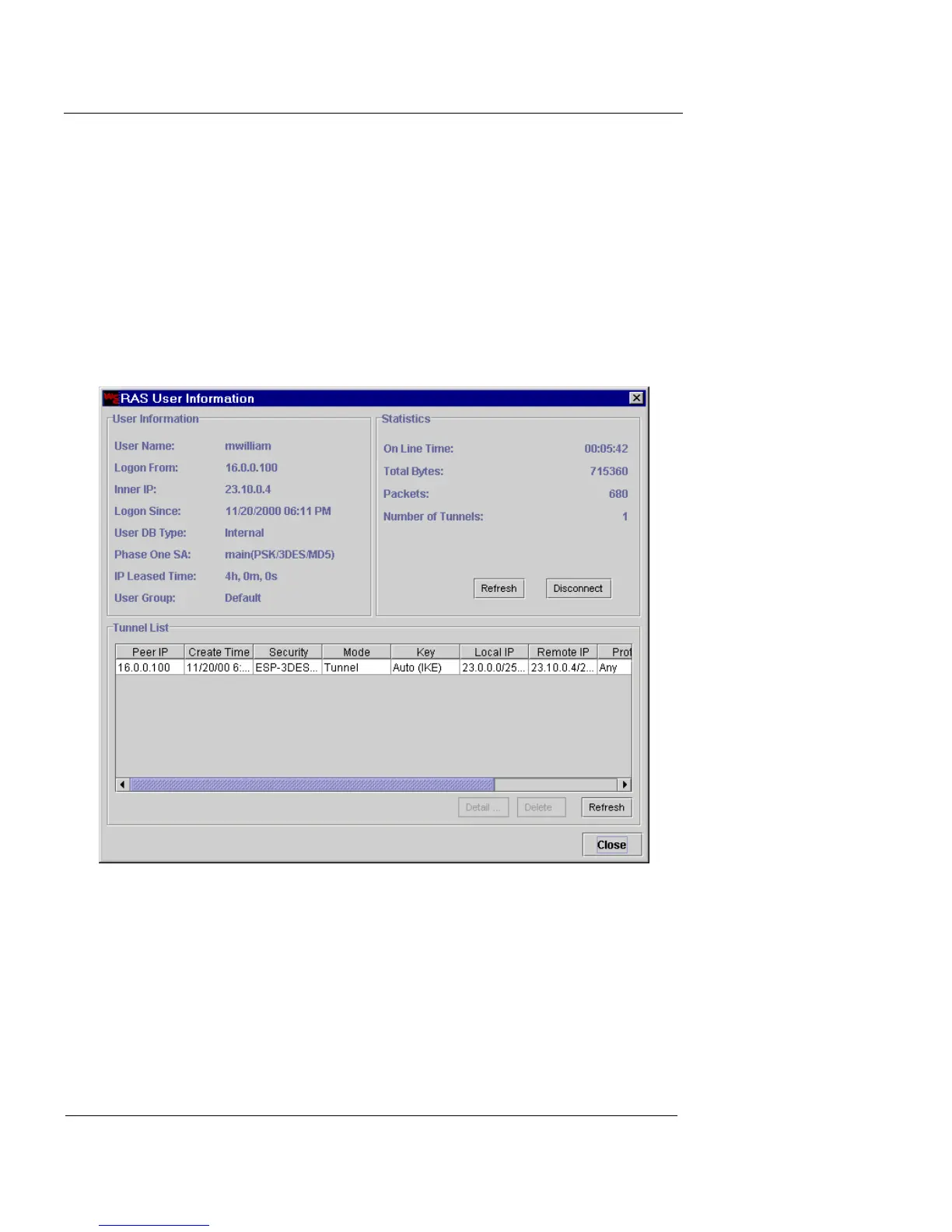
The RAS User Information dialog box appears.
The User Information and Statistics areas provide
extensive information about this user and the current
connection. The Tunnel List catalogs the tunnels
currently in use.
2 Click Refresh to update the Statistics display with the
most recent information.













 To Next Page