CHAPTER 3: Getting Started
54 Vcontroller
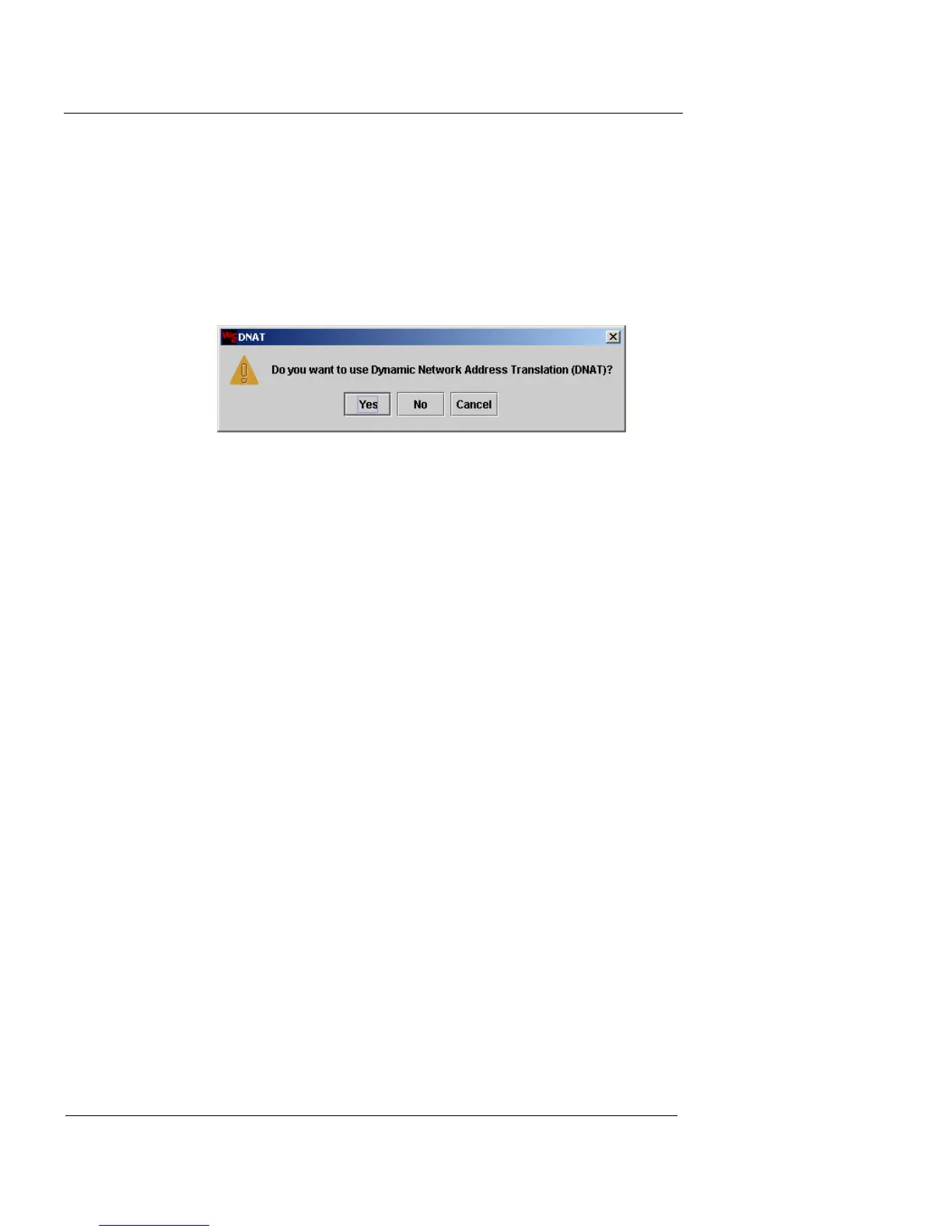
Using Dynamic Network Address Translation
(DNAT)
1 When you have configured the preferred levels of
hacker defense, click OK to close this window, and
click Next to proceed.
If you enabled the Allow all outbound traffic from the Interface 0
(private) option, a DNAT window appears.
2 If you want to use dynamic NAT, click Yes.
A default dynamic NAT policy is added to the outbound traffic
policy.
Change the Password
The Change Password screen appears. This step requires
you to replace the default root admin account password
with a new, secure password of your choosing.













 To Next Page