Log Settings
Firebox Vclass User Guide 385
frequently the log content is deleted. Vcontroller provides a
default alarm that notifies you when a log file is almost full.
Activating the remote logging feature
If you have a syslog server accessible through the network,
you can designate that server as the default destination for
all future log archive files. This is the preferred method for
storing log files.
The Firebox Vclass appliance can record all the event,
alarm, RAS user, phase one and phase two SA, and traffic
logs to any designated remote server that supports the
remote syslog mechanism. To make this possible, the
remote logging features on the Firebox Vclass appliance
must be linked to the log server, as described in the follow-
ing instructions. In addition, the syslog daemon process on
the server must be set to enable log traffic from other sys-
tems. The user documentation for the server should pro-
vide information on configuring such a link.
To store your log files on a remote server:
1 Select the Remote Logging checkbox.
2 Type the IP address of the syslog server in the
appropriate field.
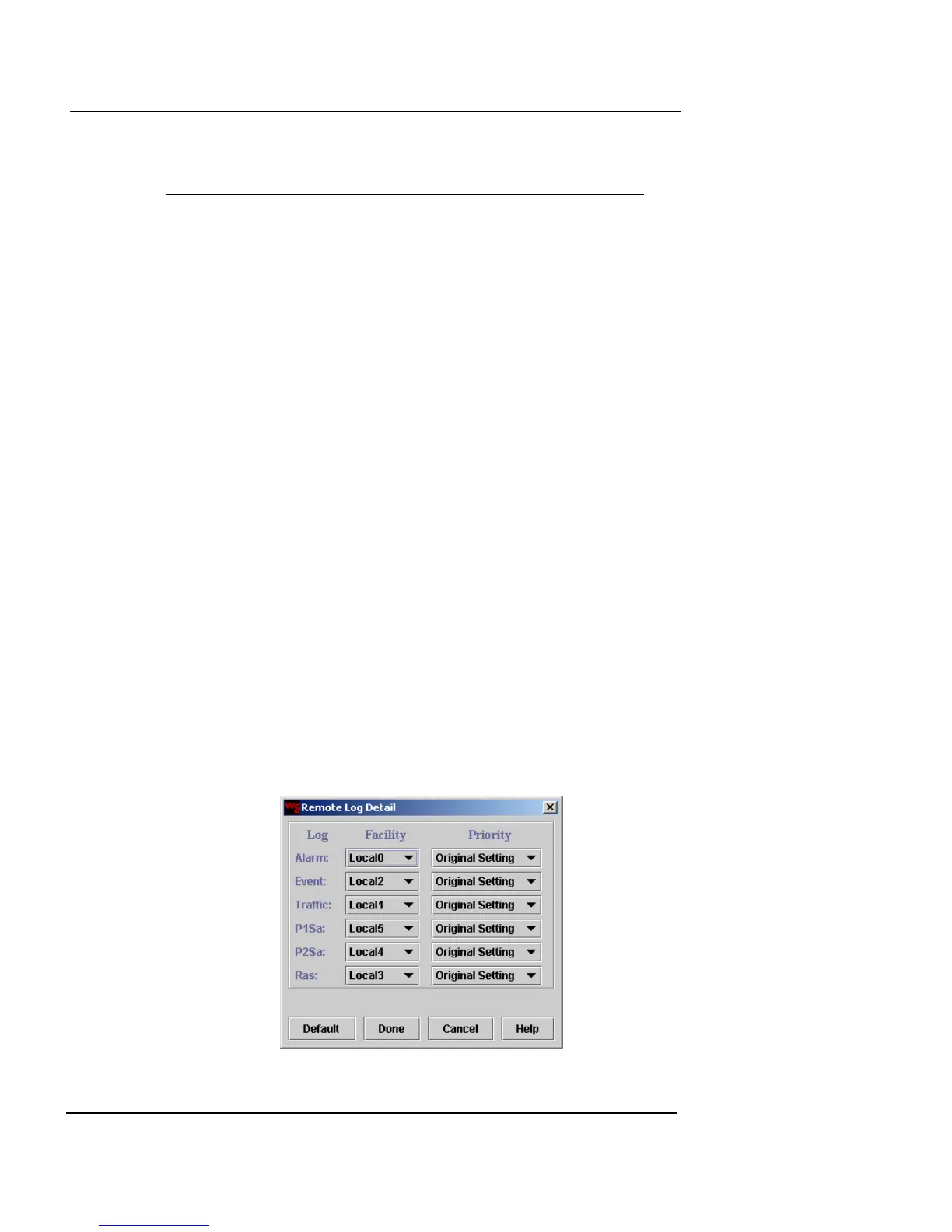
3 Click Detail.
The Remote Log Detail dialog box appears.













 To Next Page