CHAPTER 3: Getting Started
50 Vcontroller
3 Type the DNS server IP address in the appropriate
field and then click Add.
Repeat this process if needed to add more DNS servers.
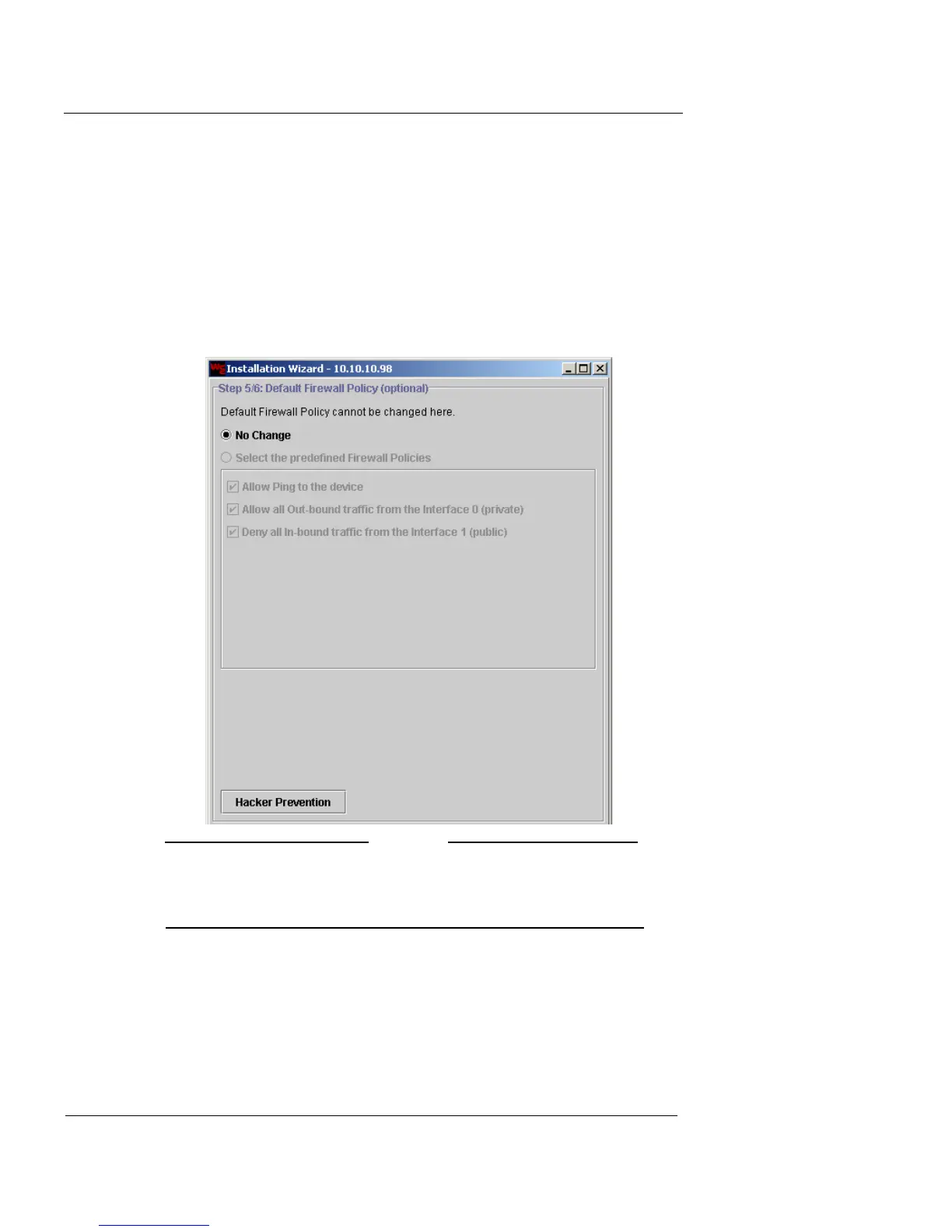
Define a Default Firewall Policy
1 When you have finished listing the DNS servers, click
Next to proceed.
The Default Firewall Policy window appears.
N
OTE
All entries made to configure the default firewall policy are
optional for completing the Installation Wizard and are
dependent upon your network environment.
2 Determine your default firewall policy or select the No
Change option.
3 If you decide to activate the default firewall policy,
select the Select the predefined Firewall Policies













 To Next Page