Load Balancing Policy Examples
Firebox Vclass User Guide 231
Load Balancing Policy Examples
Configuring Load Balancing for a Web
Server
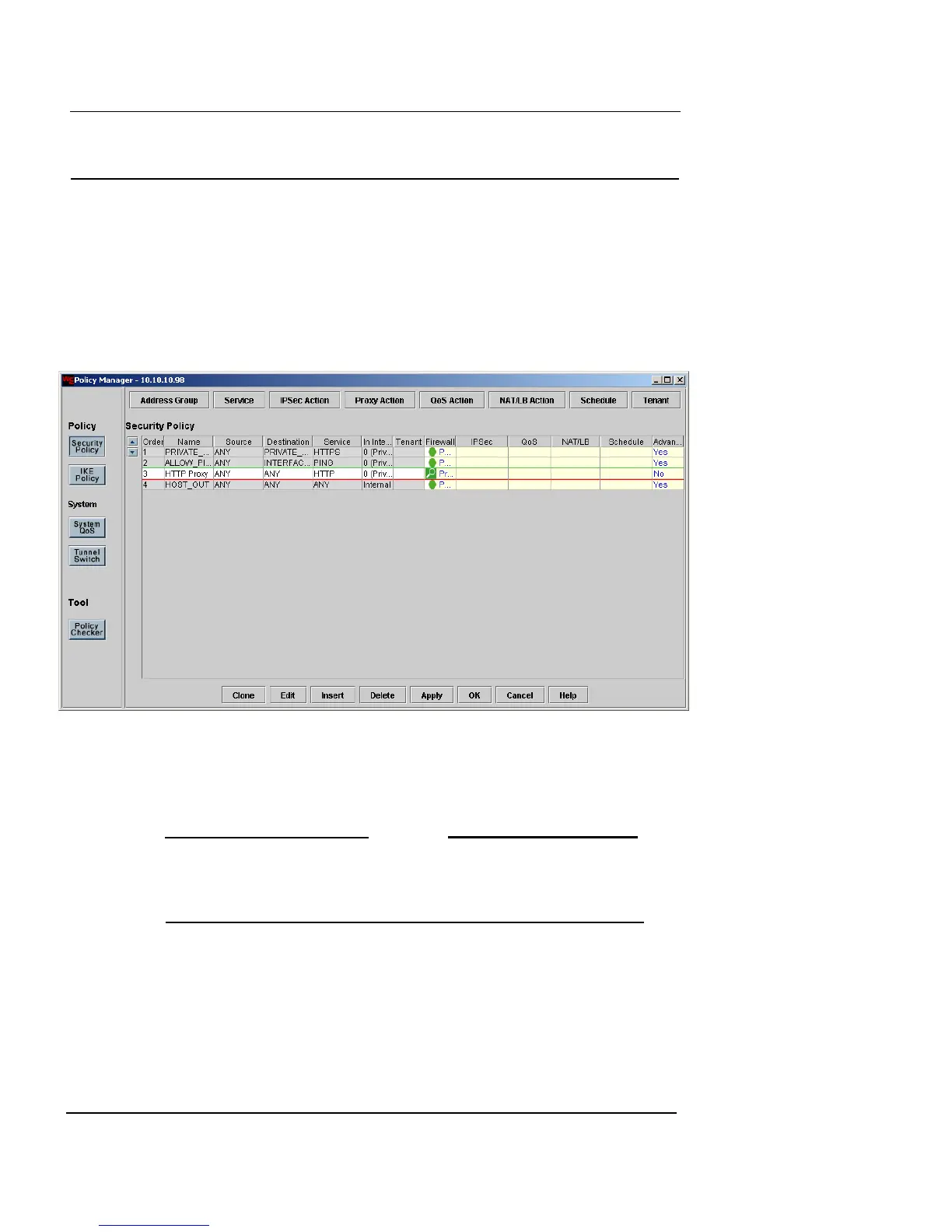
1 After starting Vcontroller application, click Security
Policy in the Policy column.
The Policy Manager window appears.
2 Click any existing policy entries (or click the last row)
in the Security Policies list.
Your new policy appears in the row you selected and moves the
existing policy down a row.
N
OTE
If your Firebox Vclass appliance is already using a “block all
external traffic” firewall policy, this new load-balancing
policy must be listed above the firewall policy.
3 Click the Insert button at the bottom of the window.
The Insert Security Policy dialog box appears.
4 In the Name and Description fields, type a name and
brief description for the policy. The Description field is
optional.













 To Next Page