Using the Real-Time Monitor
Firebox Vclass User Guide 365
assessing traffic between a designated pair of
security appliances. A “VPN End-point Pair”
indicates a pair of appliances actively exchanging
traffic through any number of IPSec tunnels,
whether one or several.
Interface
Interface probes observe and report on the
activities of selected interfaces. For example, you
can set up a probe to monitor the number of
packets received by a specific interface.
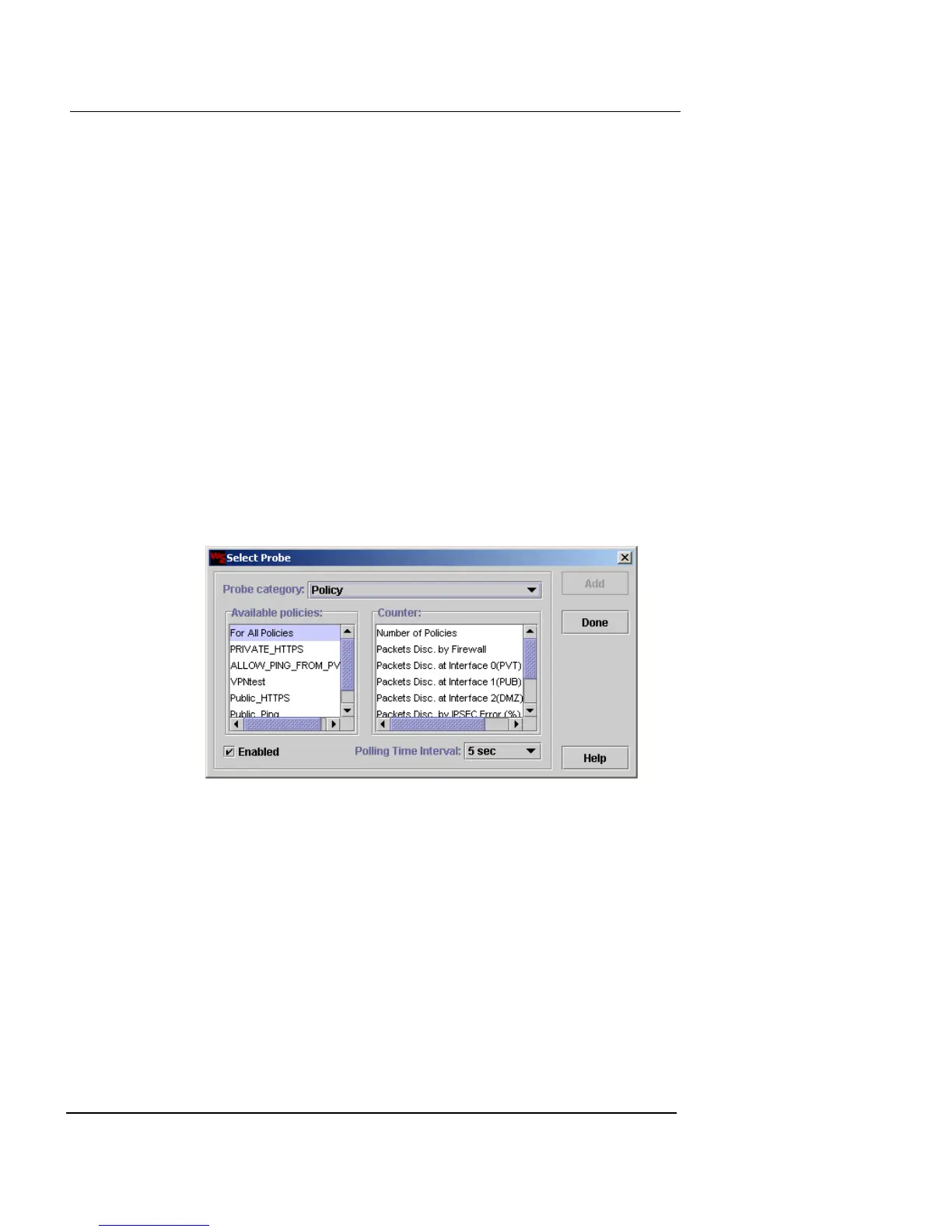
Defining probes
To define a probe for any of the categories:
1 Click Add.
The Select Probe window appears.
2 From the Probe Category drop-down list, select a
category.
After you select a probe category, the window refreshes and
displays fields relevant to the category you select.
3 From the Polling Time Interval drop-down list, select
the probe interval of between 5 and 60 seconds.
4 Select the Enabled checbox to active this probe as soon
as you close the window. Otherwise, the probe will not
be active.
A checkmark appears.













 To Next Page