CHAPTER 14: Monitoring the Firebox Vclass
364 Vcontroller
detailed catalog of available counters, see “A Catalog of
Real-time Monitor Probe Counters” on page 368.
From the main Vcontroller window, click Monitor.
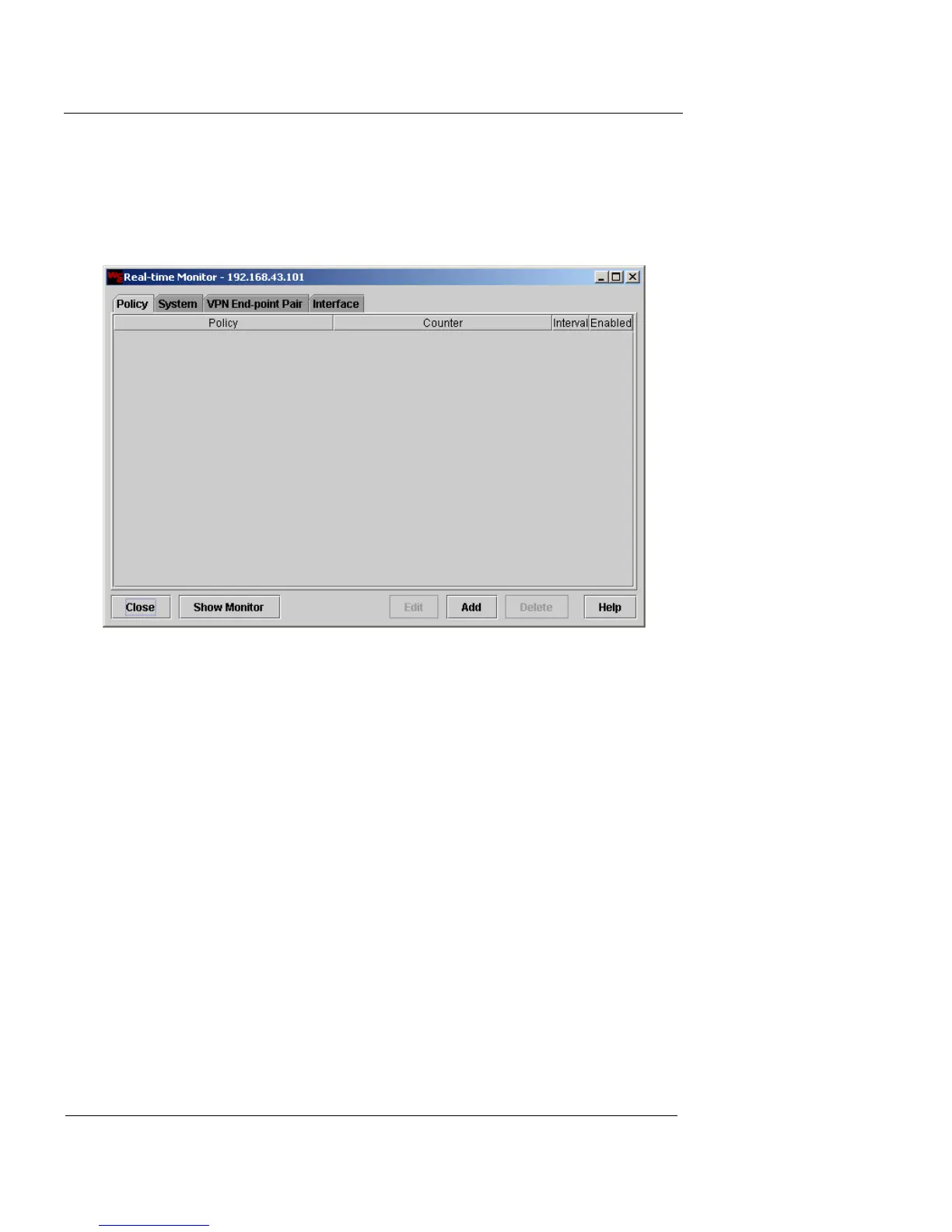
The Real-time Monitor window appears.
The following categories of system activity can be defined
and monitored:
Policy
Policy probes observe and report on the activities
of selected policies. For example, you can set up a
probe to monitor the number of packets governed
by a specific policy.
System
System probes provide snapshots of the
operational status. For example, you can create
separate probes that track both CPU and memory
use, total throughput for the entire system, and
amount of free space available for log files.
VPN End-point Pair
VPN End-point Pair probes report on specific
encryption and authentication activity, as well as













 To Next Page