CHAPTER 16: System Information
390 Vcontroller
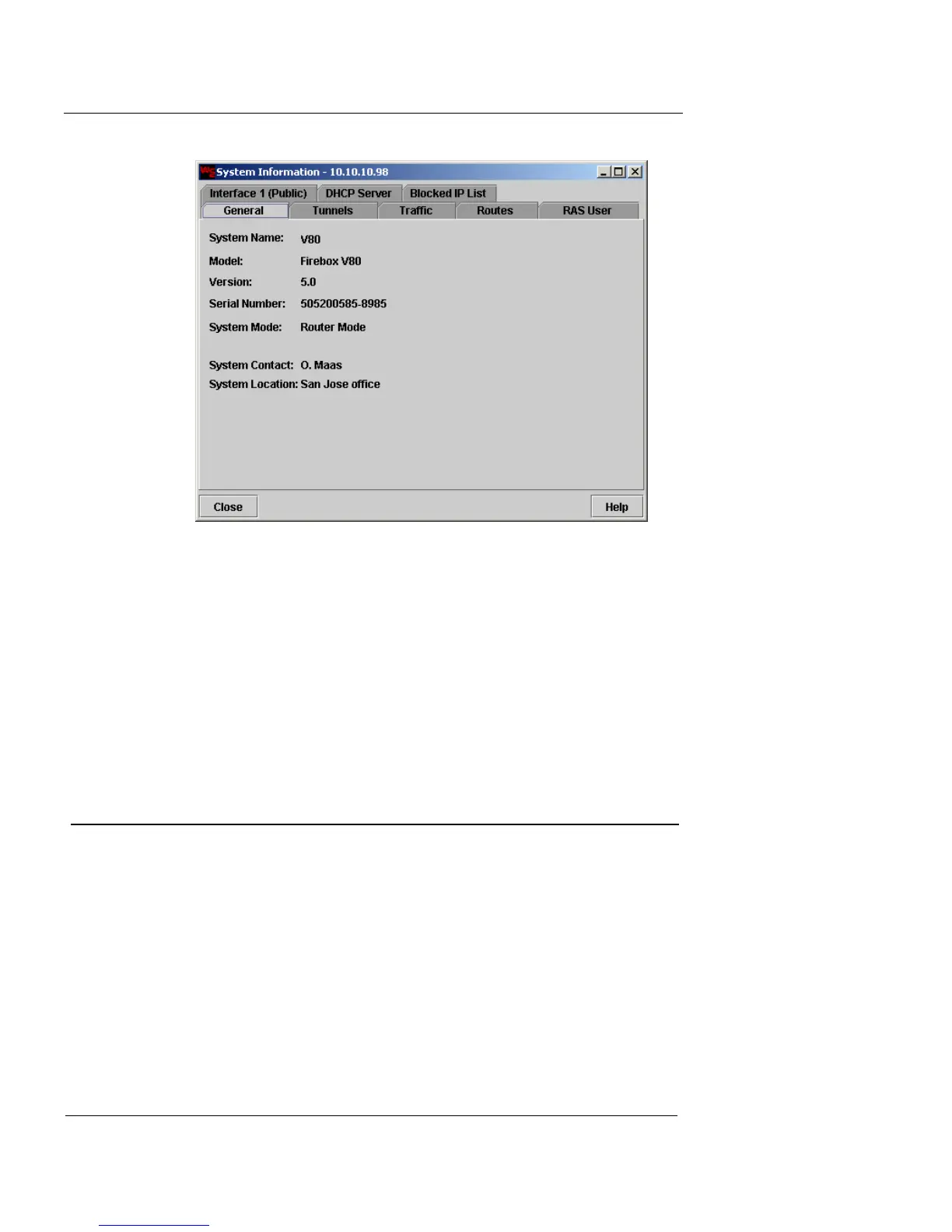
You can use this tab allows you to view general
information, such as the model number, current system
software version, serial number, system mode (Router
or Transparent), IP address for Interface 0 or the
System IP, contact person, and location of the
appliance.
3 Click Close.
VPN Tunnel Information
You can view tunnels and traffic statistics, delete specific
tunnels, or delete all tunnels and purge the appliance of all
residual tunnel records. Remember that tunnels are not
always closed when the connection is broken.
1 From the main Vcontroller window, click System
Information.
The System Information dialog box appears.
2 Click the Tunnels tab.
3 Click one of the following two display categories:













 To Next Page