CHAPTER 17: Backing Up and Restoring Configurations
404 Vcontroller
configuration entries or policies. Make a habit of keeping
regular archive sets available.
Create a Backup File
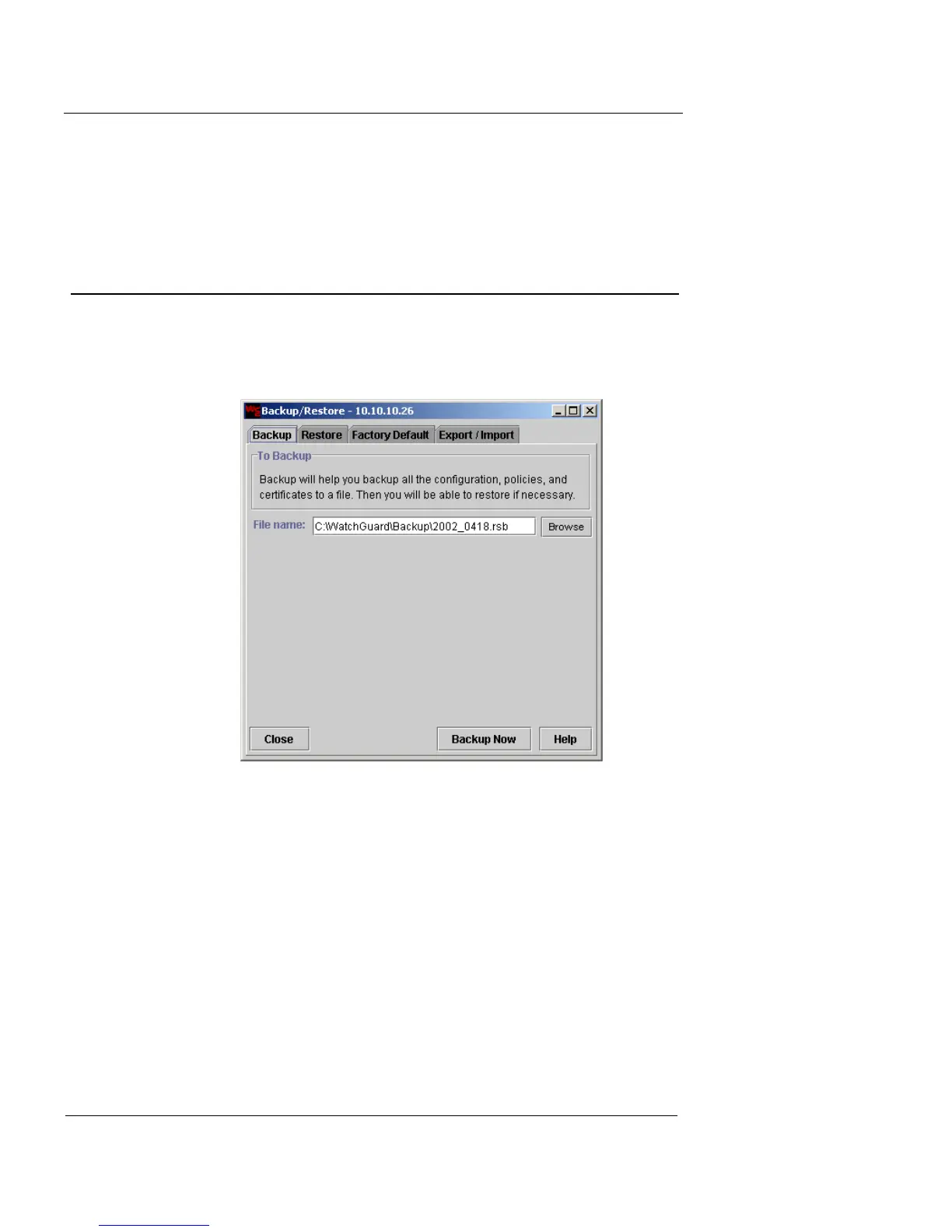
1 From the main Vcontroller window, click Back Up/
Restore.
The Backup/Restore dialog box appears.
2 Click the Backup tab.
3 To use the default file name and directory, click
Backup Now.
4 To use a different directory of your choosing, click
Browse.
The Select Backup File dialog box appears.













 To Next Page