Checking your HA System Status
Firebox Vclass User Guide 435
Checking your HA System Status
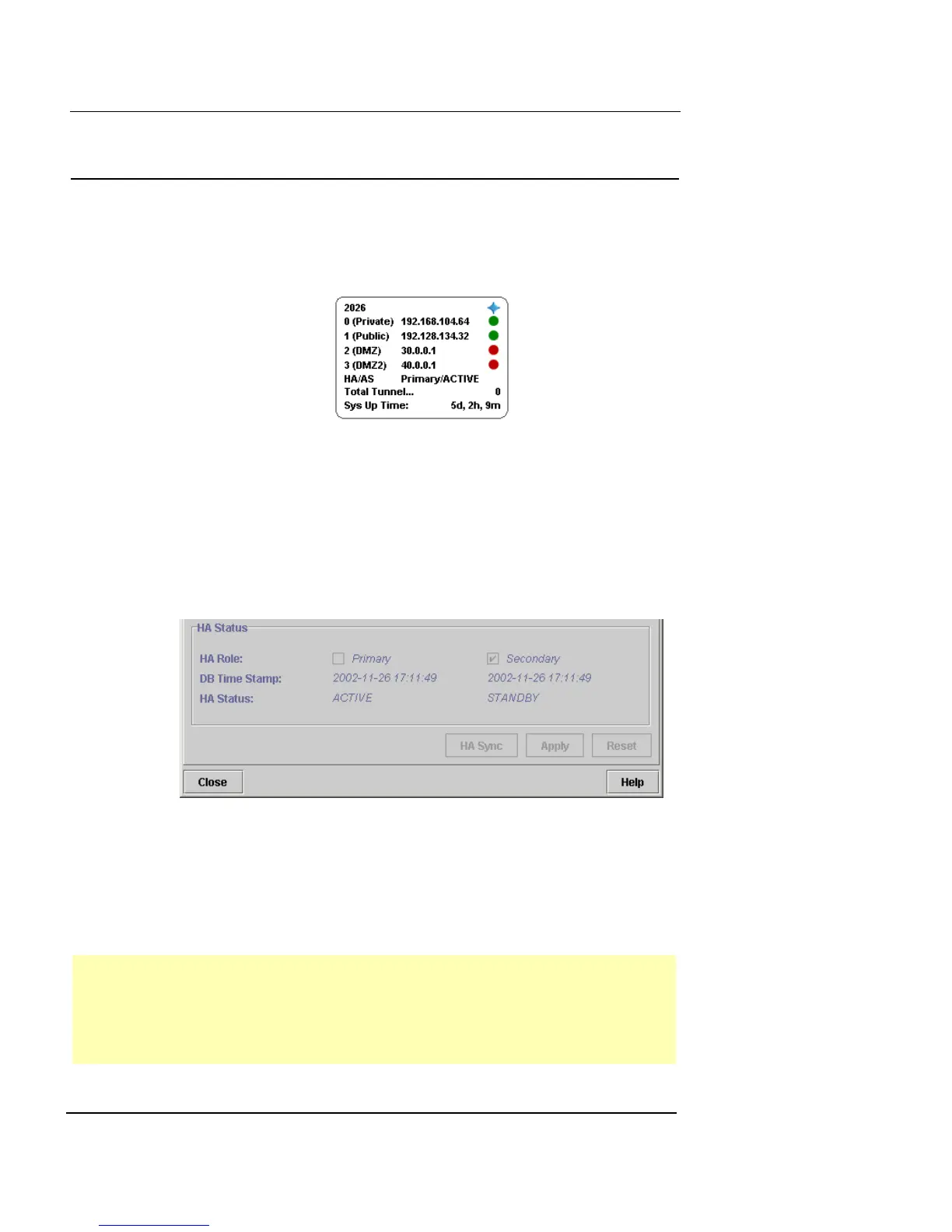
The HA monitor tells you which appliance you are logged
into, whether it is primary or standby, and whether it is
Active or Failover.
Detailed system status
Detailed HA system status is shown in the System Config-
uration/High Availability dialog box. This status includes
the HA role, status, DB timestamp, and failure reason (if
one exists) for both systems.
To view detailed system status, open the System Configu-
ration dialog box and click the High Availability tab. You
can view the HA status of both the primary and standby
appliances at the same time. The following list describes
the possible Status messages you might see.
Active The current appliance is active
Standby The current appliance is standing by
Failed The current appliance has failed (for example, the link is
down)













 To Next Page