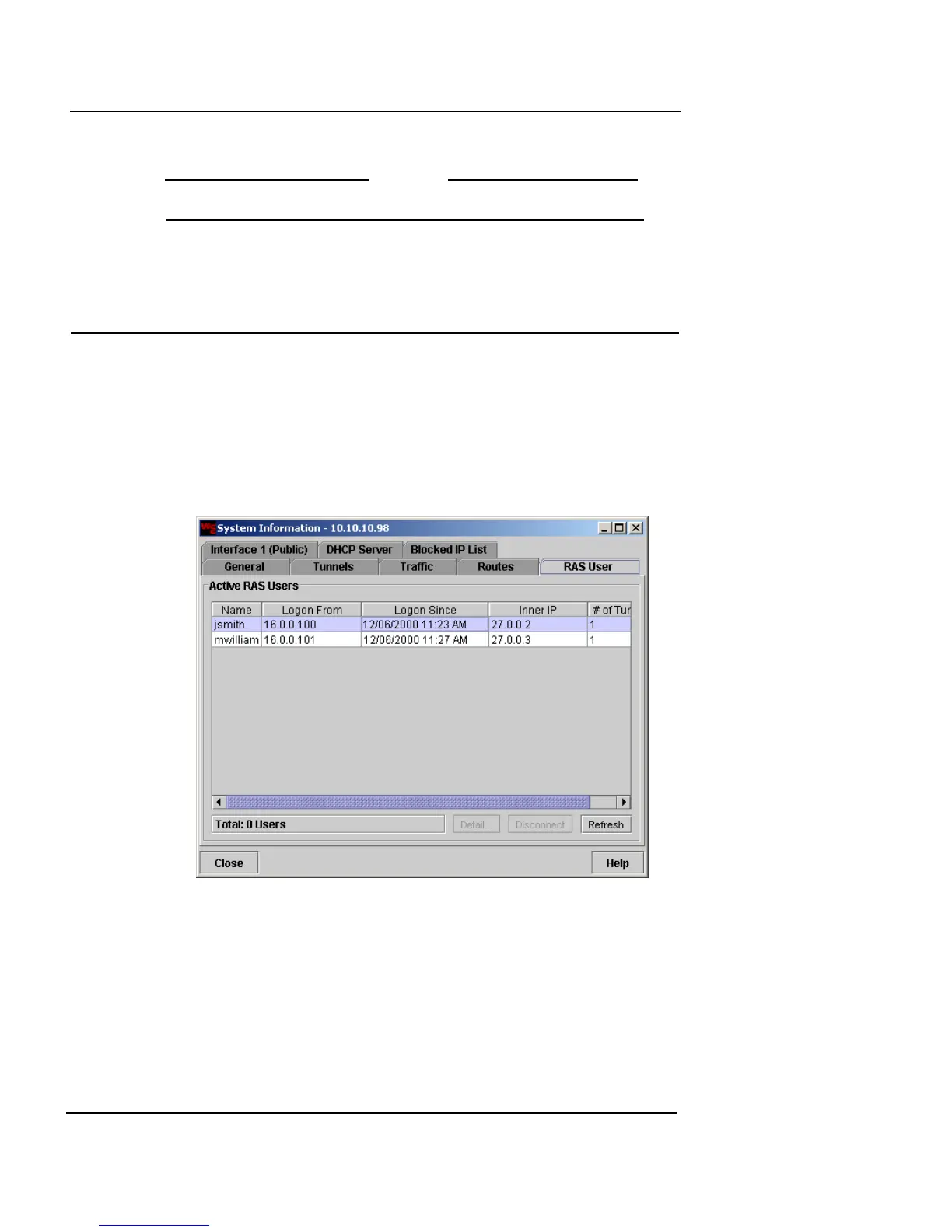
RAS User Information
Firebox Vclass User Guide 395
3 When you are finished, click Close.
N
OTE
Interfaces are not listed in this table in Transparent Mode.
RAS User Information
After you have set up Remote Access Service (RAS) and
implemented VPN policies, you can monitor and manage
the current remote user connections using the System
Information window.
1 Click the RAS User tab.
This currently active RAS users are displayed.
2 Click Disconnect to break the selected user connection,
including any established tunnels. If an internal IP
address was assigned to this user, it will be returned to
the system for future use.
3 Click Refresh to update the Active RAS Users display
with the most recent information.
4 When you are finished, click Close.













 To Next Page