LDAP Server Configuration
Firebox Vclass User Guide 125
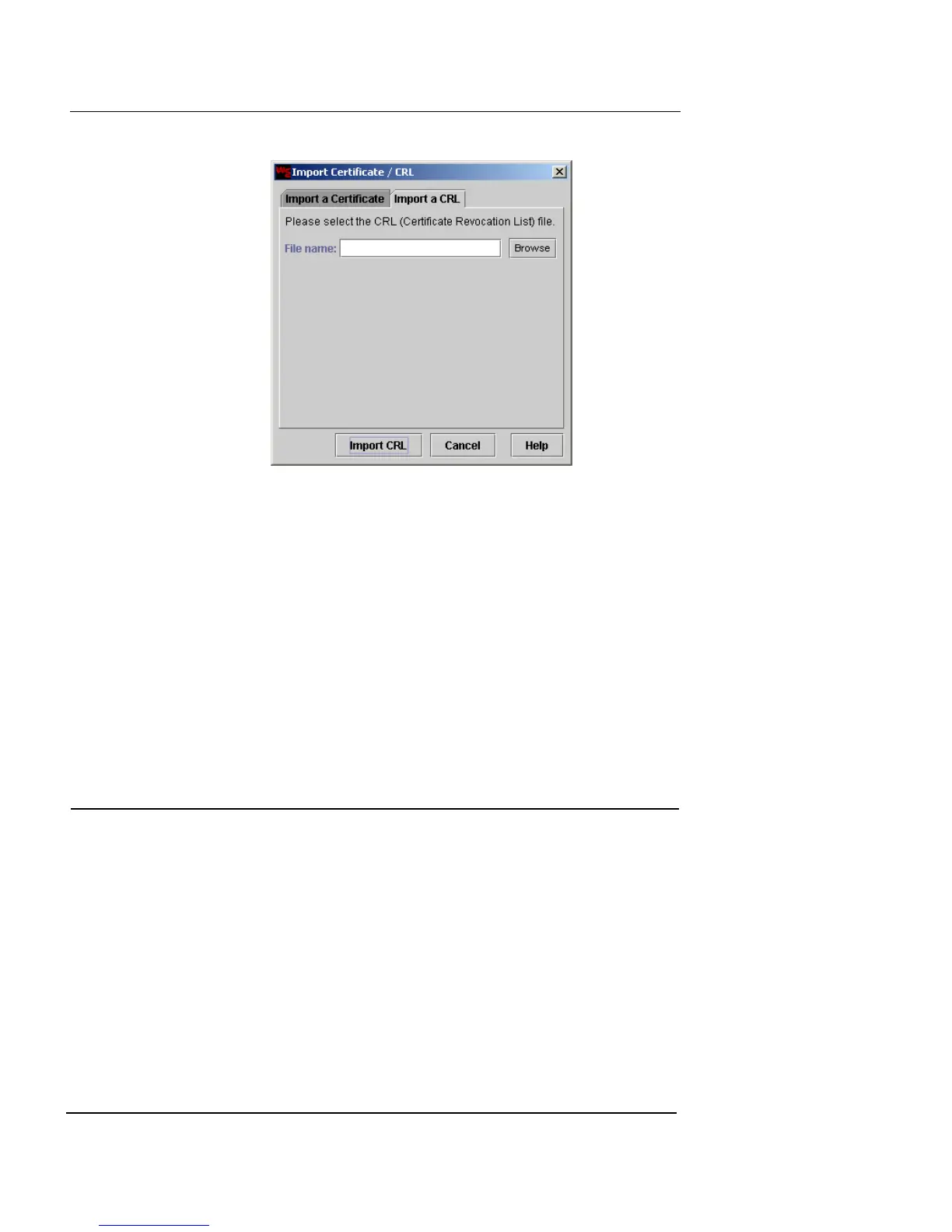
3 Click Browse.
4 Locate and select the appropriate CRL file.
5 When the file path appears in the File Name field, click
Import CRL.
This imports the CRL into the Firebox Vclass appliance. After the
import is complete, the dialog box closes and the newly imported
CRL name appears in the Certificates list.
6 To remove an entry from the Certificate list, select the
entry and click Remove.
LDAP Server Configuration
Use the LDAP tab to set up a connection between a Firebox
Vclass appliance and any LDAP server on which Certifi-
cate Revocation List (CRL) files are centrally stored. After
this configuration is set up, the Firebox Vclass can verify
every certificate it uses against the CRLs stored in the
server. This provides additional protection against com-
promised certificates.
1 Click the LDAP tab.
The LDAP settings are displayed.













 To Next Page