CHAPTER 6: System Configuration
124 Vcontroller
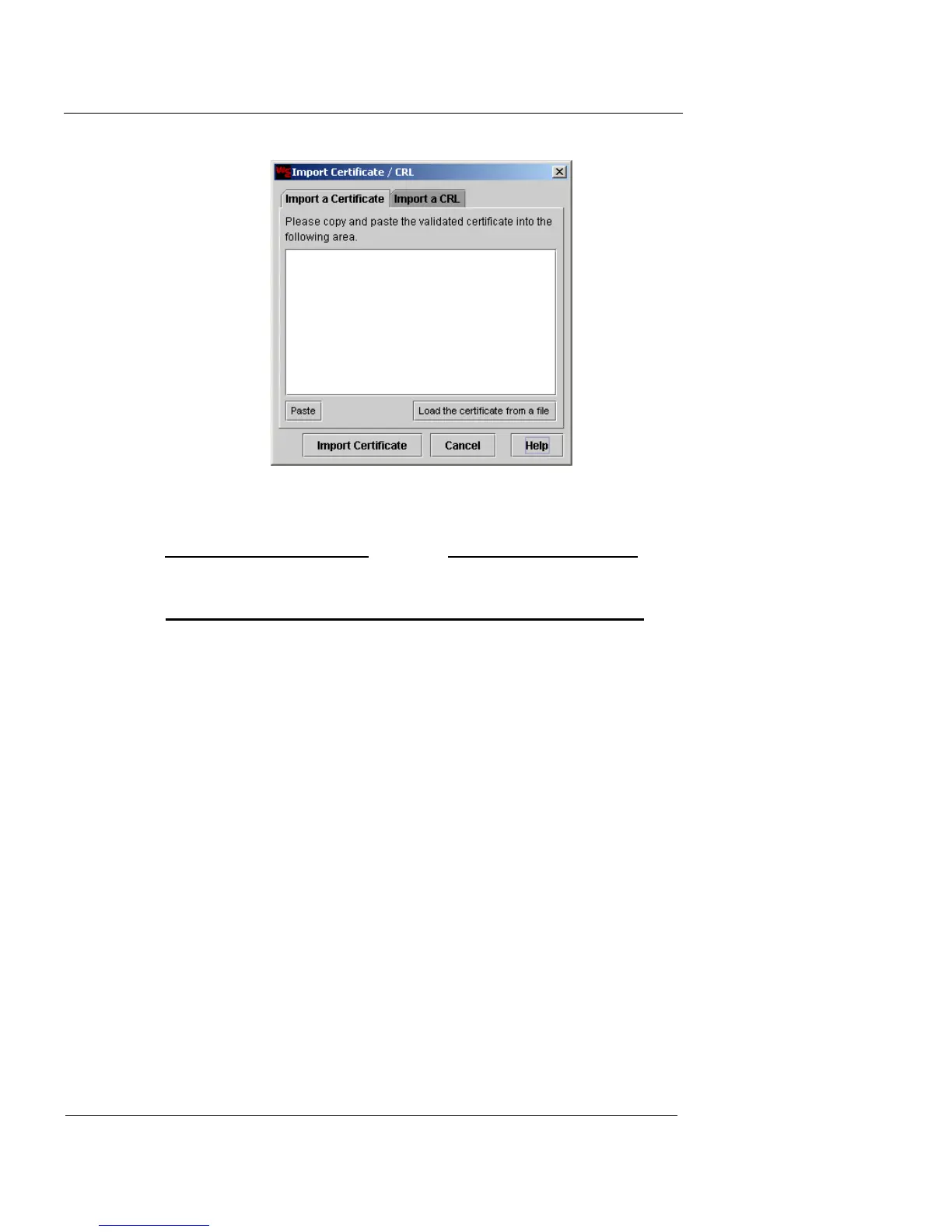
3 Click Load the certificate from a file.
4 Locate and select the root certificate file.
N
OTE
If you prefer, you can also use a text editor to open the file.
Then copy and paste the text.
5 When the certificate text is displayed, click Import
Certificate.
This imports the certificate into the Firebox Vclass appliance.
After the import is complete, the dialog box closes and the newly
imported certificate appears in the Certificates list.
6 Repeat this process to import any other certificates into
the Firebox Vclass appliance.
At regular intervals, your key cosigning authority will
issue a Certificate Revocation List (CRL), which nullifies
any existing certificates that have been compromised. You
can import these lists so that your system will not attempt
to use any revoked certificates for key exchanges.
To import a CRL:
1 Click Import Certificate/CRL.
2 Click the Import a CRL tab.
The Import Certificate/CRL dialog box appears.













 To Next Page