Using Policy Schedules
Firebox Vclass User Guide 205
Using Policy Schedules
After a policy is defined and applied, it is in effect immedi-
ately, 24 hours a day, seven days a week. However, you can
modify a policy such that it is active only during specific
times of the day or certain days of the week. For any given
day in a week, you can choose up to four periods that a
policy will be activated. Outside of that time period, the
Firebox Vclass appliance will not apply this policy. Sched-
ules can be formulated within a policy while you create it,
or created separately and applied to an existing policy.
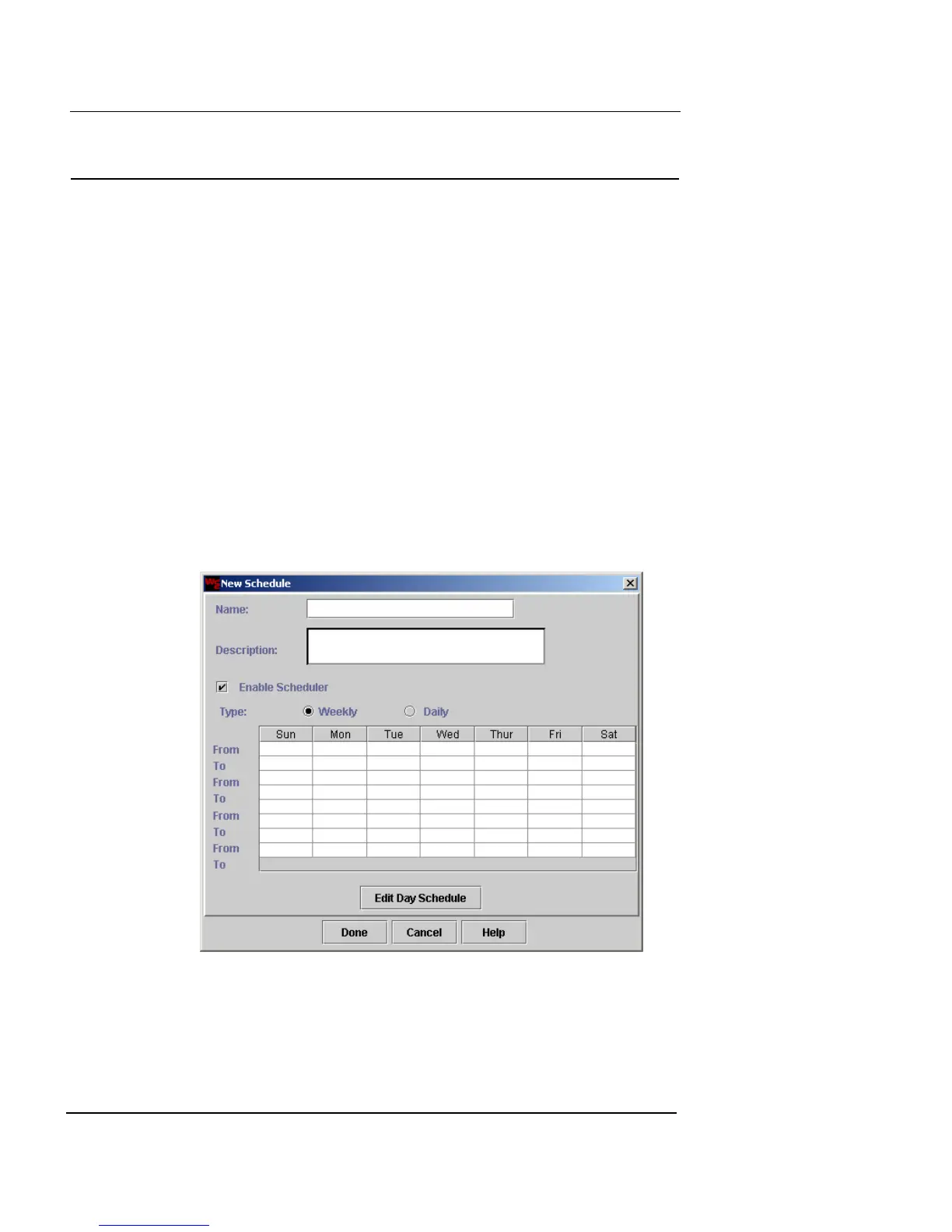
Defining a Schedule
To define a schedule:
1 Click New.
The New Schedule dialog box appears.
2 In the Name and Description fields, type a name and
brief description for the schedule. The Description
field is optional.













 To Next Page