CHAPTER 8: About Security Policies
206 Vcontroller
3 If you do not want the policy scheduler to make use of
these schedules right away, clear the Enable Scheduler
checkbox. You can reopen this schedule and reactivate
the Scheduler at a later time.
To create weekly schedules:
1 Select Weekly.
2 Select the appropriate day you want to schedule.
3 Click Edit Day Schedule.
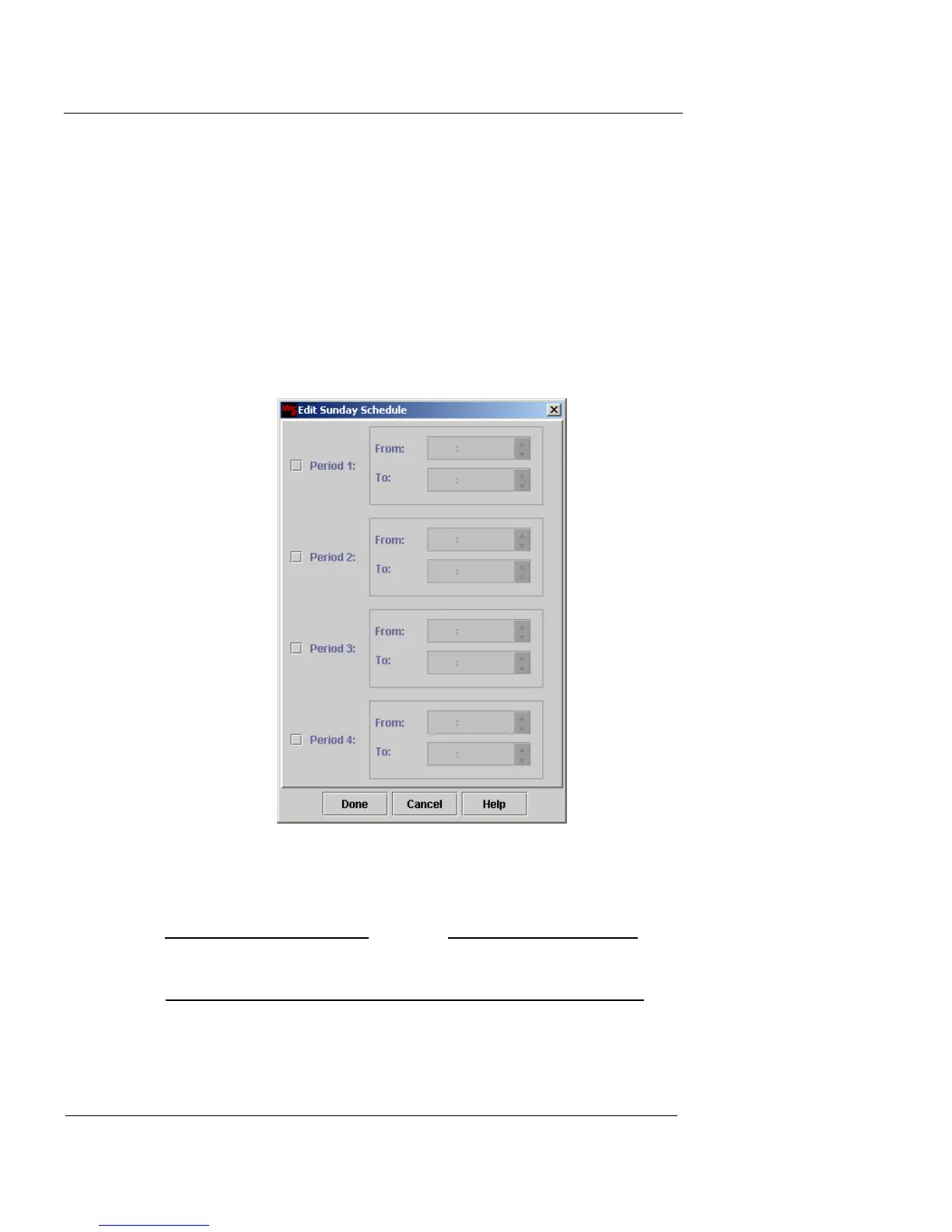
The Edit (Day) Schedule dialog box appears.
4 Select the Period 1 checkbox.
5 Type the values in the From and To fields, or use the
arrow buttons to adjust the values.
N
OTE
Remember to type afternoon and evening hours in military
time. For example, 1:00 PM must be entered as 13:00.
6 Repeat this process for the remaining periods, as
needed.













 To Next Page