Defining a VPN Security Policy
Firebox Vclass User Guide 315
N
OTE
If this a bidirectional policy, make sure that the incoming
interface selection is 0 or 2, and not 1.
Defining an IPSec action
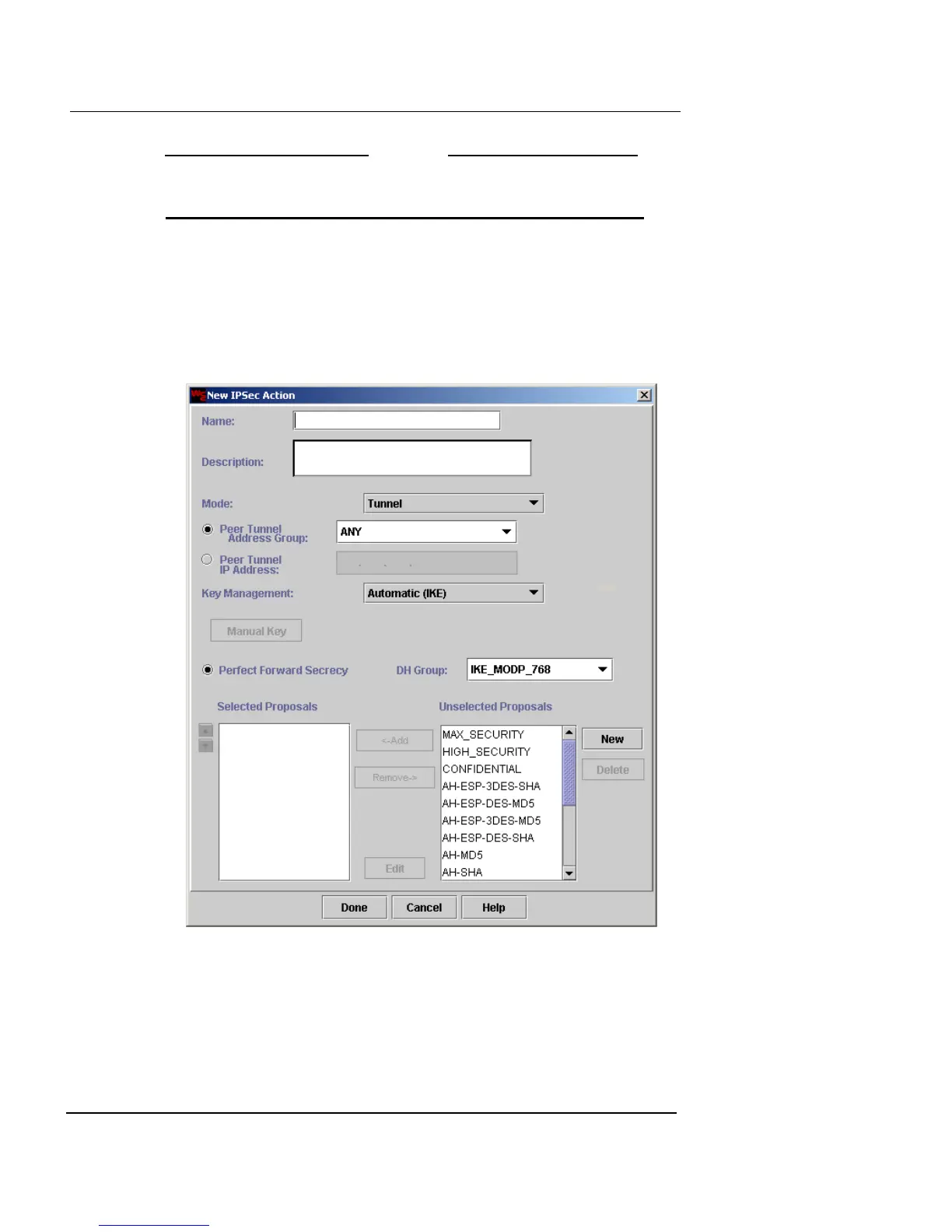
To define an IPSec action:
1 Click New.
The New IPSec Action dialog box appears.
2 In the Name and Description fields, type a name and
brief description for the IPSec action. The Description
field is optional.
3 From the Mode drop-down list, select Tunnel or
Transport.













 To Next Page