CHAPTER 16: System Information
394 Vcontroller
IPSec Bytes
IPSec encryption/decryption activity in bytes.
Total Tunnels
Number of VPN tunnels.
3 Click Refresh to update the display with the most
recent information.
4 Click Reset Connections to disconnect all current
connections. This will flush the Firebox Vclass
appliance of all residual data connections that may be
hampering performance.
5 Click Close.
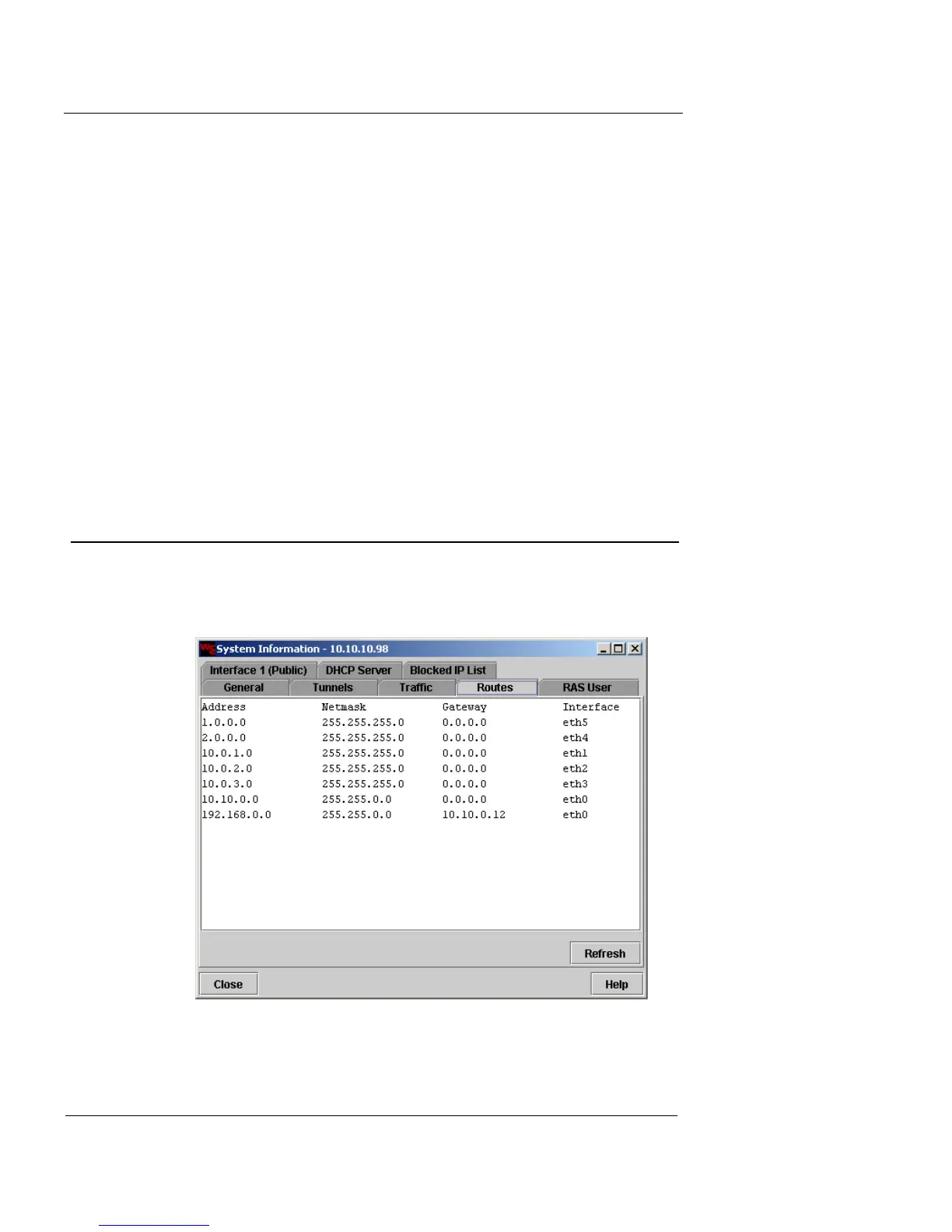
Route Information
To view the routing table information:
1 Click the Routes tab.
2 Click Refresh to update the display with the most
recent information.













 To Next Page