Running the Vcontroller Installation Wizard
Firebox Vclass User Guide 47
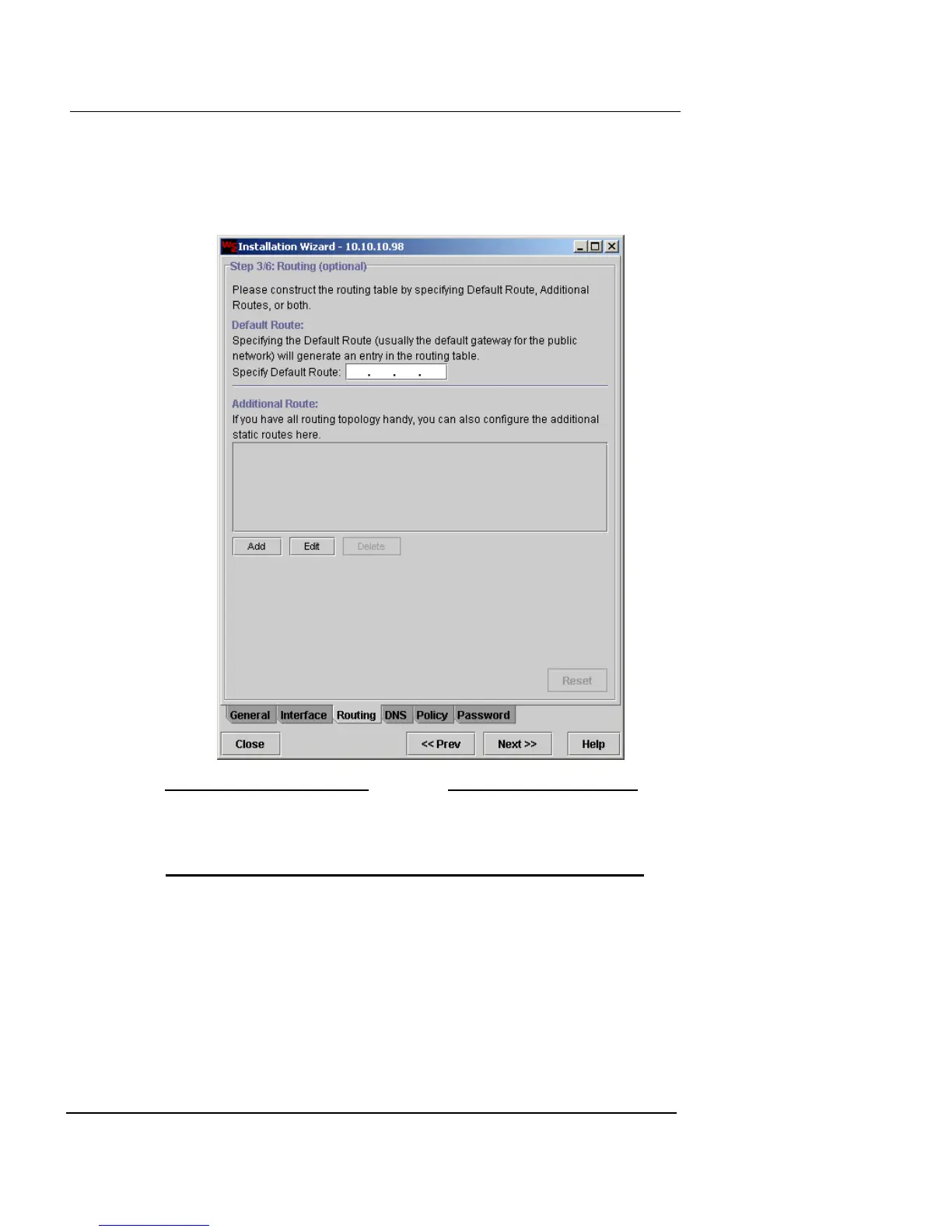
Configure Routing
1 From the Interface Information window, click Next.
The Routing screen appears.
N
OTE
All entries made to configure routing are optional for
completing the Installation Wizard and are dependent upon
your network environment.
2 In the Specify Default Route field, type the IP address
of the default gateway.
3 If you want to enter any additional network routes for
this appliance, click Add.
The Add Route dialog box appears.













 To Next Page