CHAPTER 6: System Configuration
148 Vcontroller
To find an IP address on the Blocked Sites or Exception
List:
1 Click Find under the applicable list.
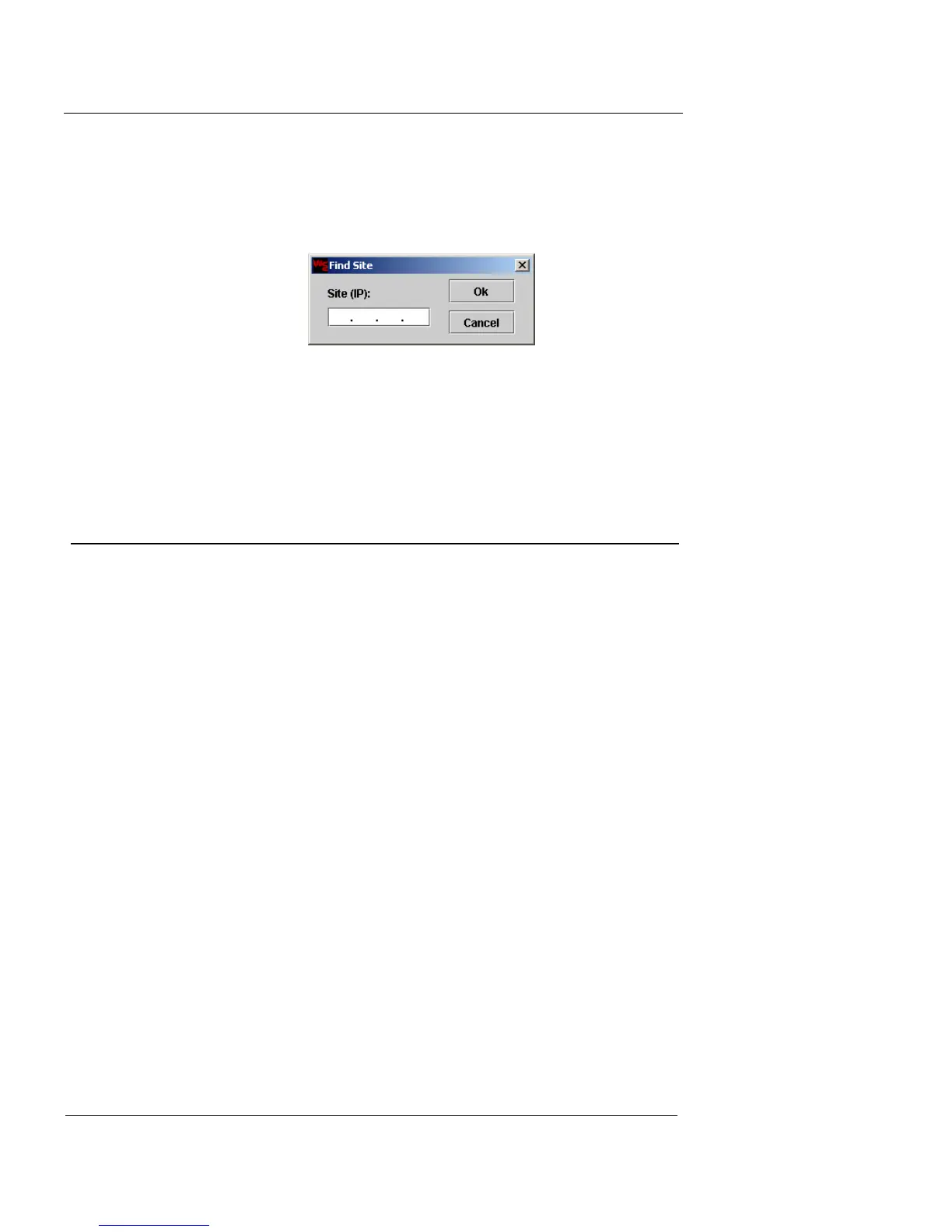
The Find Site dialog appears.
2 In the Site (IP) field, type the IP address you want to
find, then click OK to find the address. You can click
Cancel to return the Blocked Sites List.
High Availability Configuration
Use the High Availability tab to configure all of the neces-
sary features to connect, link, and run a high-availability
system using two HA-ready Firebox Vclass appliances.
This provides continuous network management in the
event of a security appliance failure.
For complete information on using this tab, see “Setting Up
a High Availability System” on page 425.













 To Next Page