CHAPTER 12: Creating a Remote User VPN Policy
338 Vcontroller
vice versa), then all existing user connections belonging to
this user group are disconnected. Any changes made to a
policy are enforced immediately.
Similarly, if the address group used to store internal-use IP
addresses is changed, then all user connections currently
using IP addresses that are no longer valid are discon-
nected immediately. However, any change of the default
idle timeout will not affect existing user connections.
Removing the backup server
As described in “Configuring the Remote Users Authenti-
cation Policy” on page 328, you have the option to connect
a Firebox Vclass appliance to both a primary and backup
RADIUS server. The backup server may at some time
become unavailable–temporarily or permanently. In this
situation, you should remove the backup server setting.
1 From the main Vcontroller window, click Remote
Users.
The RAS Configuration dialog box appears.
2 Click Clear.
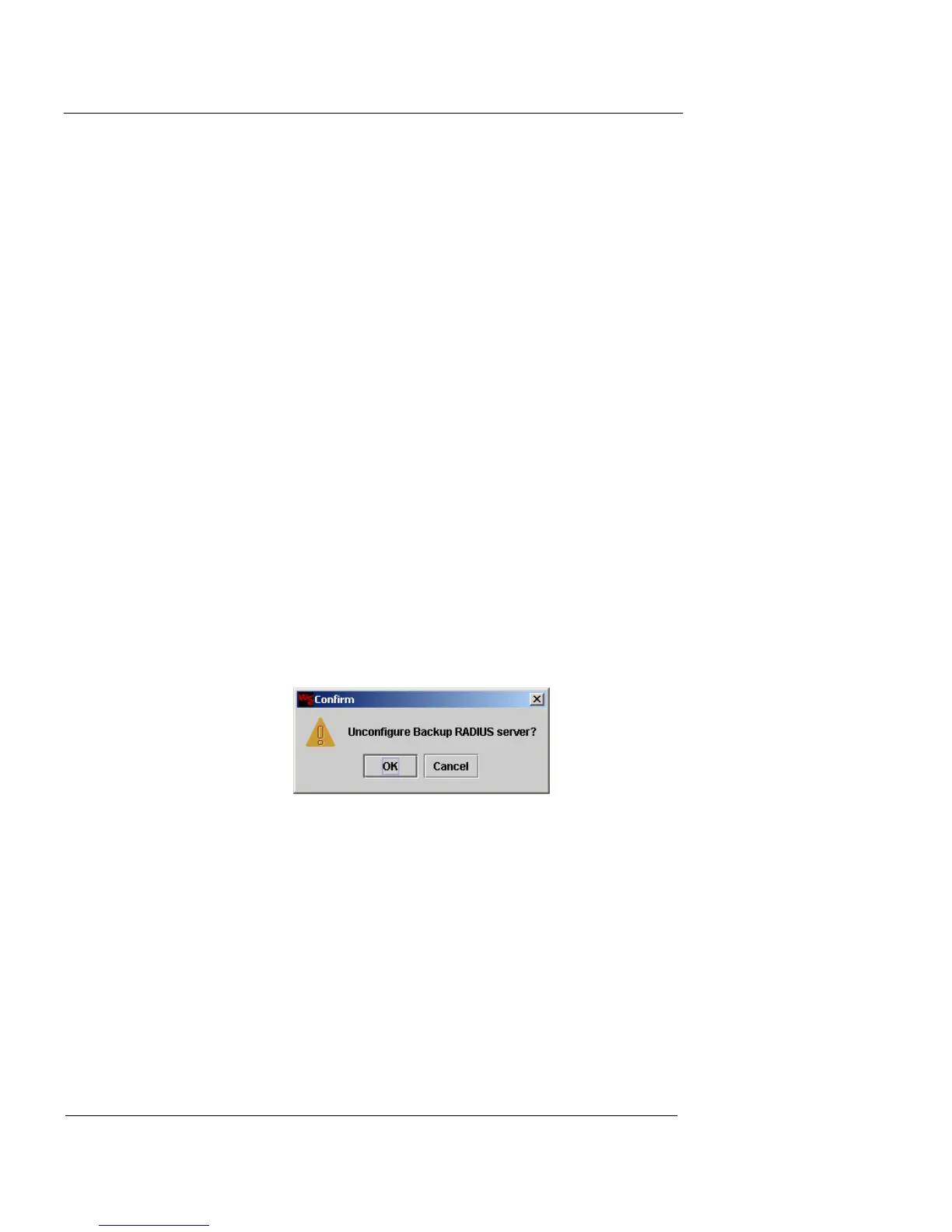
A confirmation window appears.
3 Click OK.
The Backup RADIUS status message reads “Not configured”.
4 Click Apply.
The Commit dialog box appears.
5 To flush any active connections that may be affected by
the changes, click the appropriate checkbox and then
click Commit.
If the backup server is made available at a later time, you
can repeat the process described in “Configuring the
Remote Users Authentication Policy” on page 328 to re-













 To Next Page