CHAPTER 17: Backing Up and Restoring Configurations
410 Vcontroller
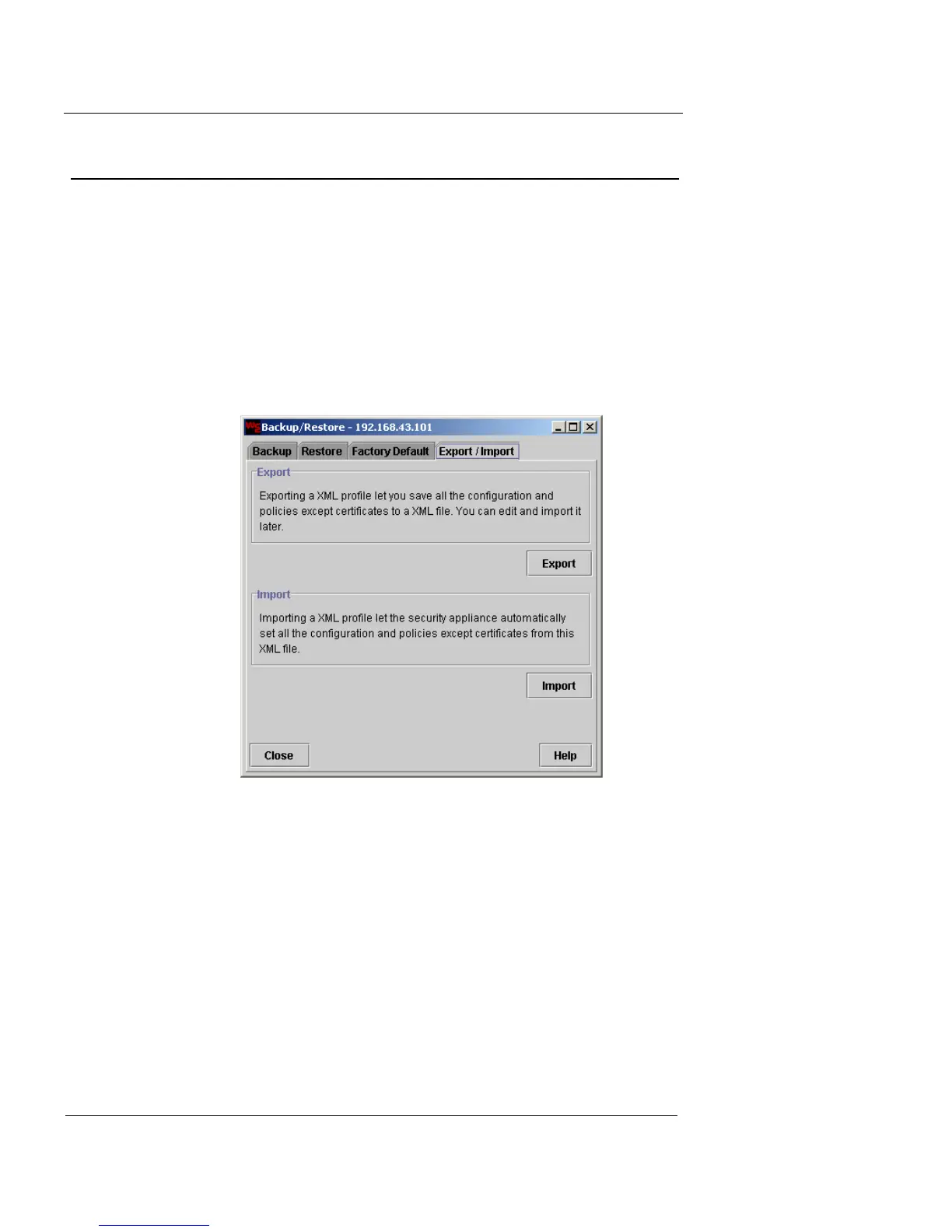
Exporting and Importing Configuration Files
You can export a complete, ready-to-use profile (in XM for-
mat) from an active, fully configured Firebox Vclass appli-
ance. You can use this file as an efficient way to store your
settings, and later import it to restore your Vclass configu-
ration. After this is done, you may need to make a few
adjustments to the file and import any needed CA certifi-
cates.
1 Click the Export/Import tab.
To export an XML file containing the complete configura-
tion settings and policies:
1 Click Export.
A Save dialog box appears.
2 Open the destination directory and name the export
file.
3 Click Save.
When the process is complete, a confirmation dialog box
appears.
4 Click OK.













 To Next Page