CHAPTER 6: System Configuration
142 Vcontroller
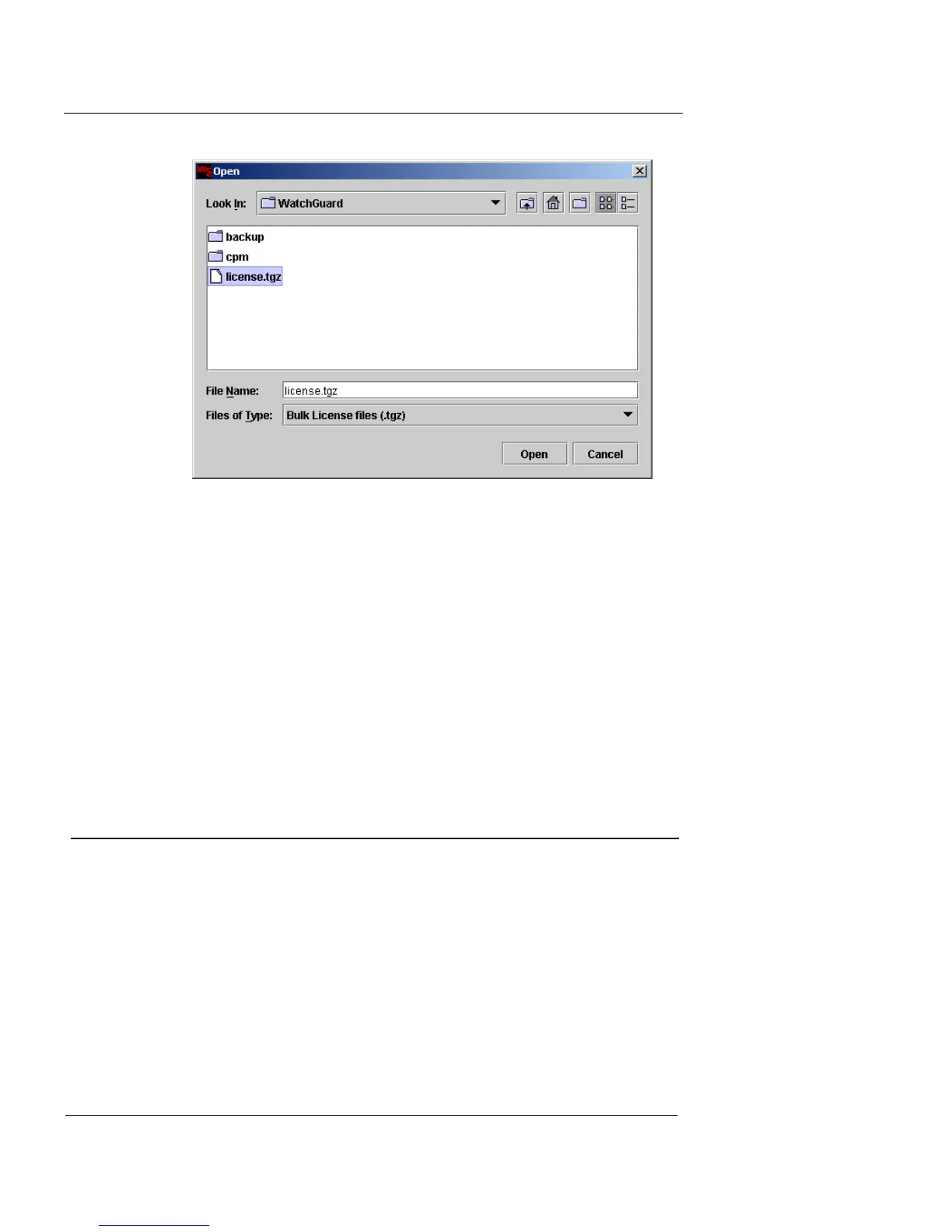
3 Locate and select the bulk license file, and click Open.
The License Package is read by Vcontroller, and any licenses that
apply to the current Vclass appliance are loaded.
4 There are three possible results for this action: the
license installation is successful, in which case a
success dialog appears; the license package does not
include any valid licenses for the appliance, in which
case a warning dialog appears; or the license package
file is not valid, in which case an error dialog appears.
Click OK to accept the results of the dialog.
VLAN Forwarding Option
Your network may include a number of VLANs. As a
result, you may need to create security policies to route
traffic between two separate VLANs and this security
appliance. In such a situation, which is known as VLAN
forwarding, you can create security policies for VLAN traf-
fic, but you must activate the related hardware functional-
ity beforehand, as detailed in this section. This permits the
appliance to manage traffic exchanges between two
VLANs sharing this appliance, or traffic routed between













 To Next Page