Deploying the Firebox Vclass into your Network
Firebox Vclass User Guide 57
Deploying the Firebox Vclass into your
Network
After the appliance reboots, restart Vcontroller and per-
form a complete shutdown of the appliance. When the
shutdown is complete, you can turn off the appliance and
move it to a permanent network setting, if it is not already
there.
1 Launch Vcontroller.
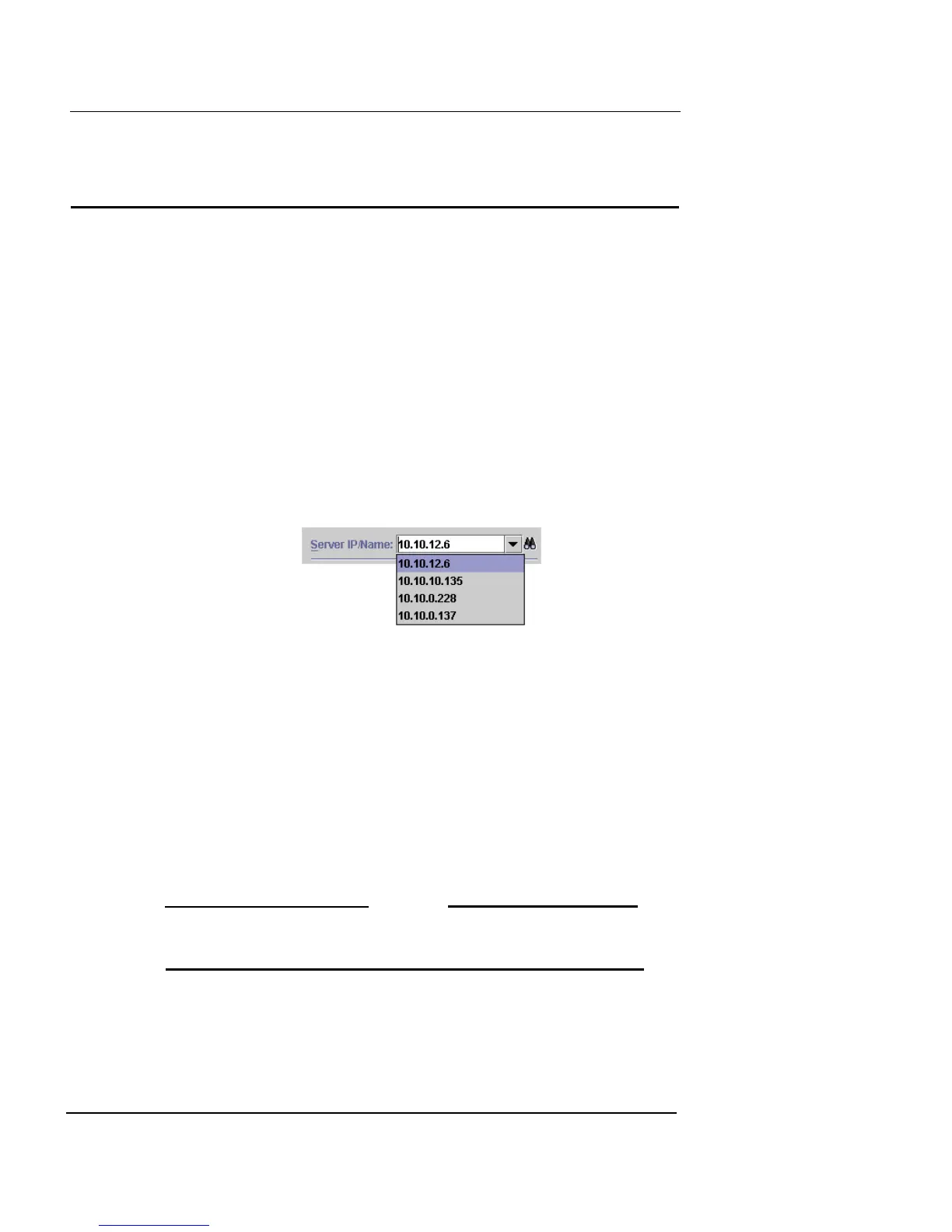
2 In the Server IP Name field, type the IP address of
interface 0 (Router Mode), the System IP (Transparent
Mode), or the fully qualified host name.
Vcontroller remembers the IP addresses of all appliances and
stores them in this drop-down list. You will, however, need to
remember all the separate passwords.
3 In the Name field, type admin .
4 In the Password field, type your newly created secure
password .
5 Click OK to connect to the appliance.
The main Vcontroller window appears.
6 Click Shut down.
7 When the shutdown confirmation window appears,
click OK.
The appliance performs a full shutdown. The Ready LED blinks
for a short interval and then turns off when shutdown is complete.
N
OTE
Do not power down the appliance until the Power and Ready
LEDs have been off for 30 seconds.
8 Using the switch on the back of the appliance to turn
off the Firebox;
–or–













 To Next Page