CHAPTER 6: System Configuration
136 Vcontroller
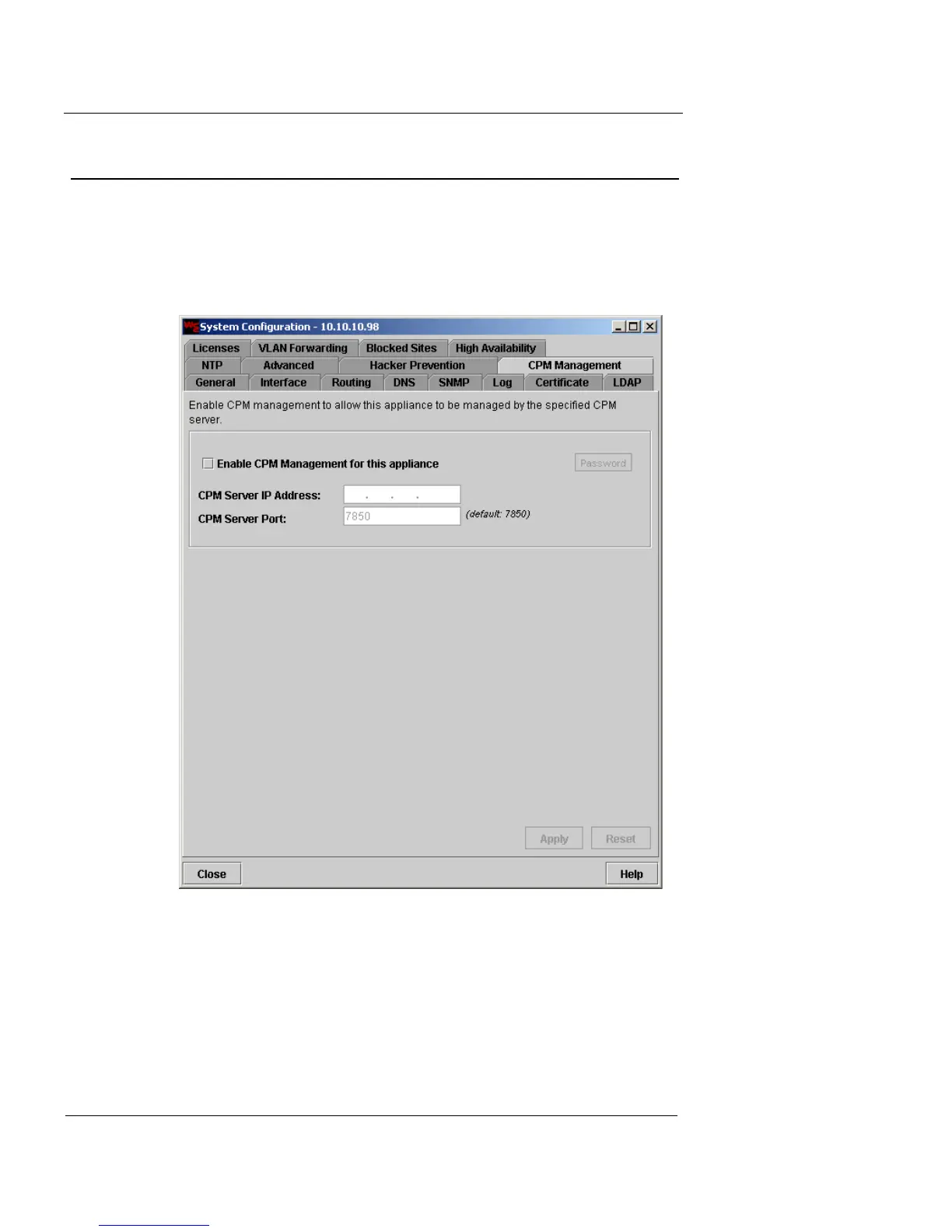
CPM Management Configuration
Use the CPM Management tab to allow a specified CPM
server to manage the Firebox Vclass appliance.
1 Click the CPM Management tab.
The CPM Management settings are displayed.
2 Select the Enable CPM Management checkbox.
3 In the CPM Server IP Address field, type the CPM
server IP address.
4 In the CPM Server Port field, type the CPM server
port.
The default port is 7850.













 To Next Page