CHAPTER 4: Firebox Vclass Basics
62 Vcontroller
Launching the WatchGuard Vcontroller
The WatchGuard Vcontroller can be used to administer
one or more Firebox Vclass appliances as well as any leg-
acy RapidStream security appliances. This Java application
offers a basic set of system indicators and three collections
of button-activated features that provide complete control
over all the operations of a Firebox Vclass appliance.
N
OTE
WatchGuard Vcontroller times out after 30 minutes of
inactivity. If this occurs, you are prompted to log in again.
1 Launch Vcontroller according to the operating system
you are using:
Microsoft Windows
Double-click the WatchGuard Vcontroller icon on
the desktop, or select Start => Programs =>
WatchGuard Vcontroller => WatchGuard
Vcontroller.
Solaris/Linux
Navigate to the appropriate directory and type
Vcontroller at the command prompt.
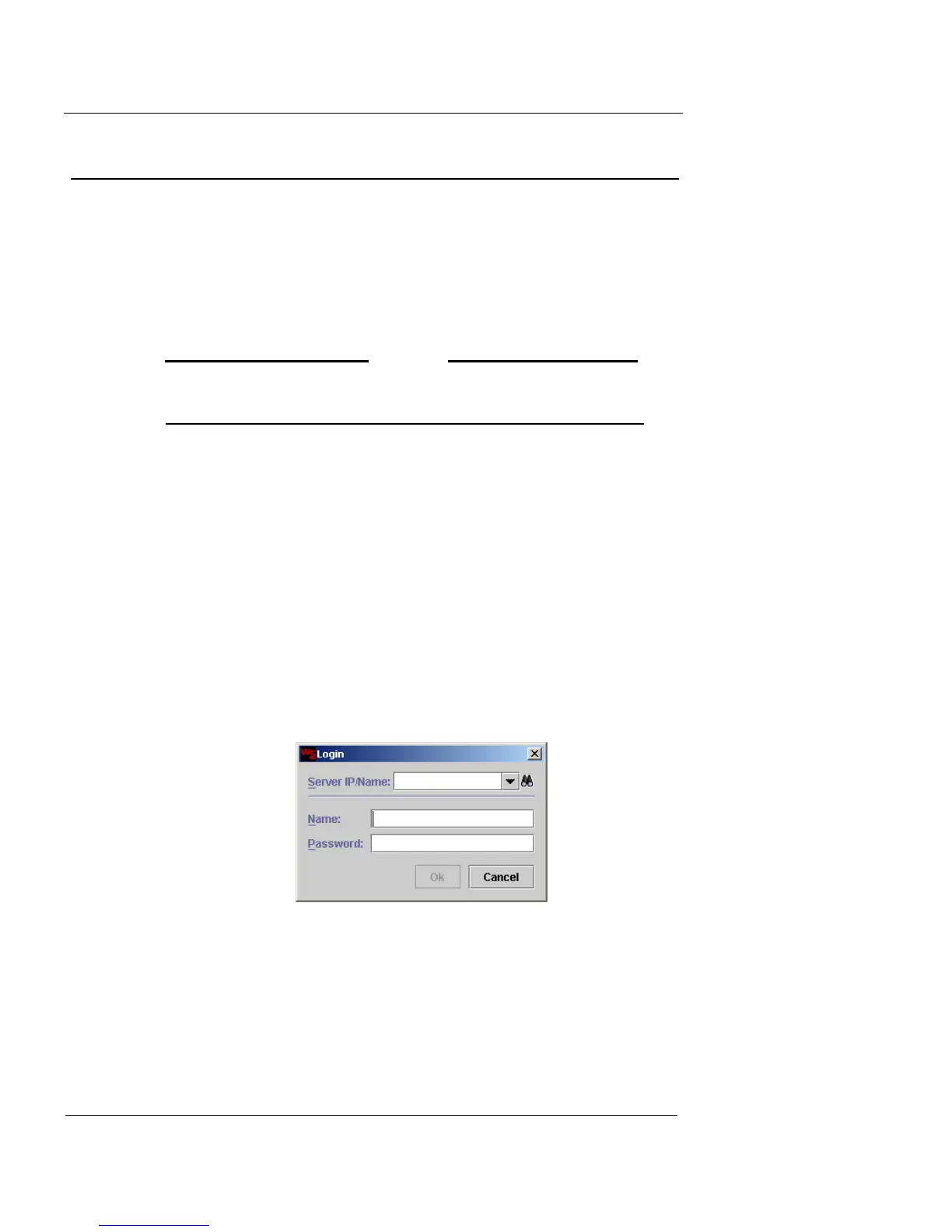
Vcontroller launches and a login window appears.
If you have used Vcontroller before to access a Firebox Vclass
appliance, the Server IP/Name field displays the IP address or
host name of the last accessed appliance.
The IP addresses or host names of other previously accessed
devices are listed in the Server IP/Name drop-down list.













 To Next Page