Restoring to Factory Default
Firebox Vclass User Guide 407
Restoring to Factory Default
Vcontroller enables you to revert a Firebox Vclass appli-
ance to the initial factory configuration, so you start over
with an appliance as if it just came out of the box.
N
OTE
Perform this task only when all other diagnostics or
troubleshooting efforts fail. Factory default configuration is
also required for some configuration changes, such as
changing an appliance from Router Mode to Transparent
Mode.
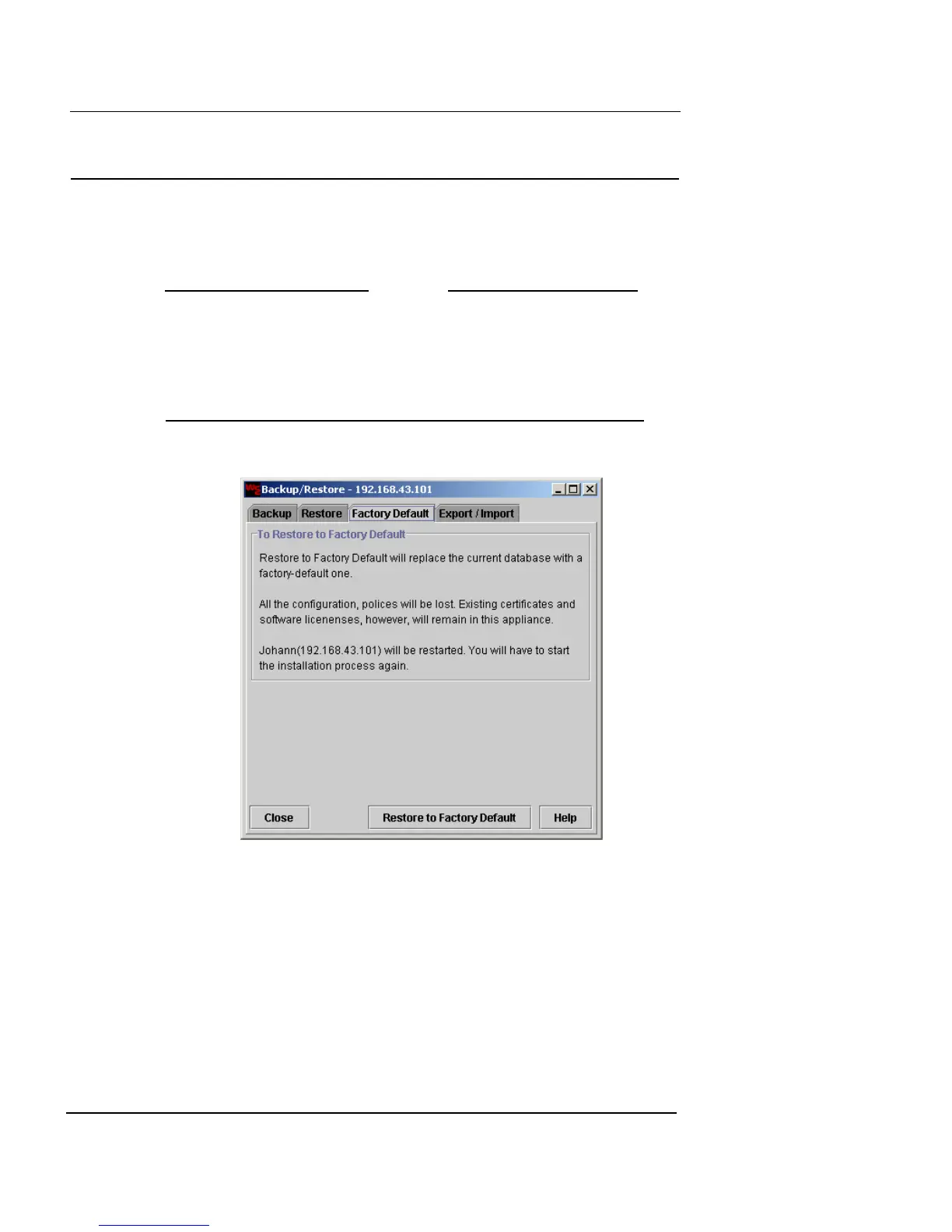
1 Click the Factory Default tab.
2 Read the displayed text. If you want to complete the
process, click Restore to Factory Default.
A confirmation dialog box appears, asking if you want to erase
all the current settings and policies.
3 If you want to continue, click OK.
The Firebox Vclass appliance applies the original factory default
settings and reboots.
For information on configuring a Firebox Vclass appliance
in a factory default state, see “Getting Started” on page 21.













 To Next Page