CHAPTER 13: Using Alarm Manager
352 Vcontroller
Alarm Definitions
To define a specific alarm condition:
1 From the main Vcontroller window, click Alarm.
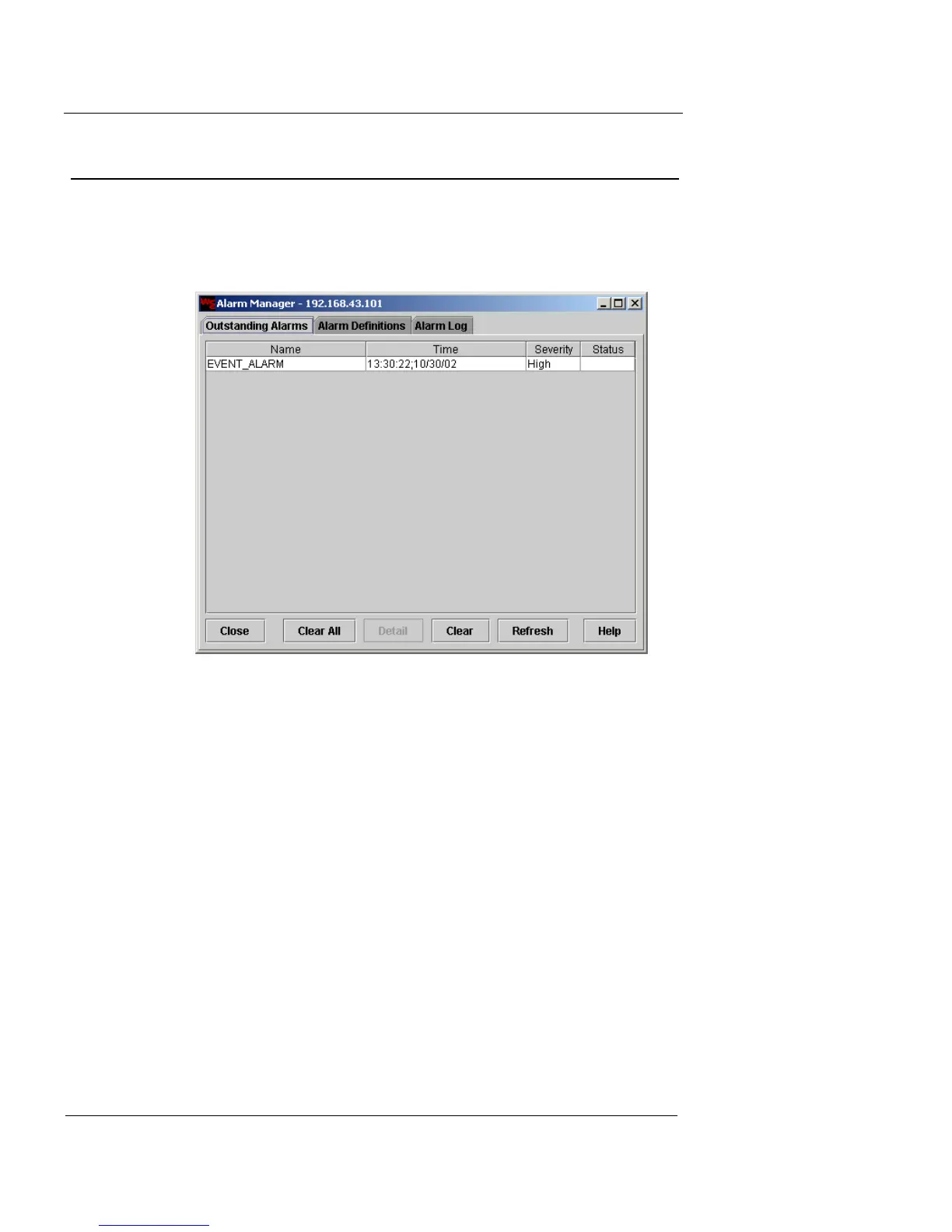
The Alarm Manager window appears.
2 Click the Alarm Definitions tab to view the current list
of alarm definitions.
This tab lists pre-defined default alarms along with indications of
their severity and whether or not they have been enabled.













 To Next Page