Using Appliance Discovery
Firebox Vclass User Guide 31
If an appliance is discovered
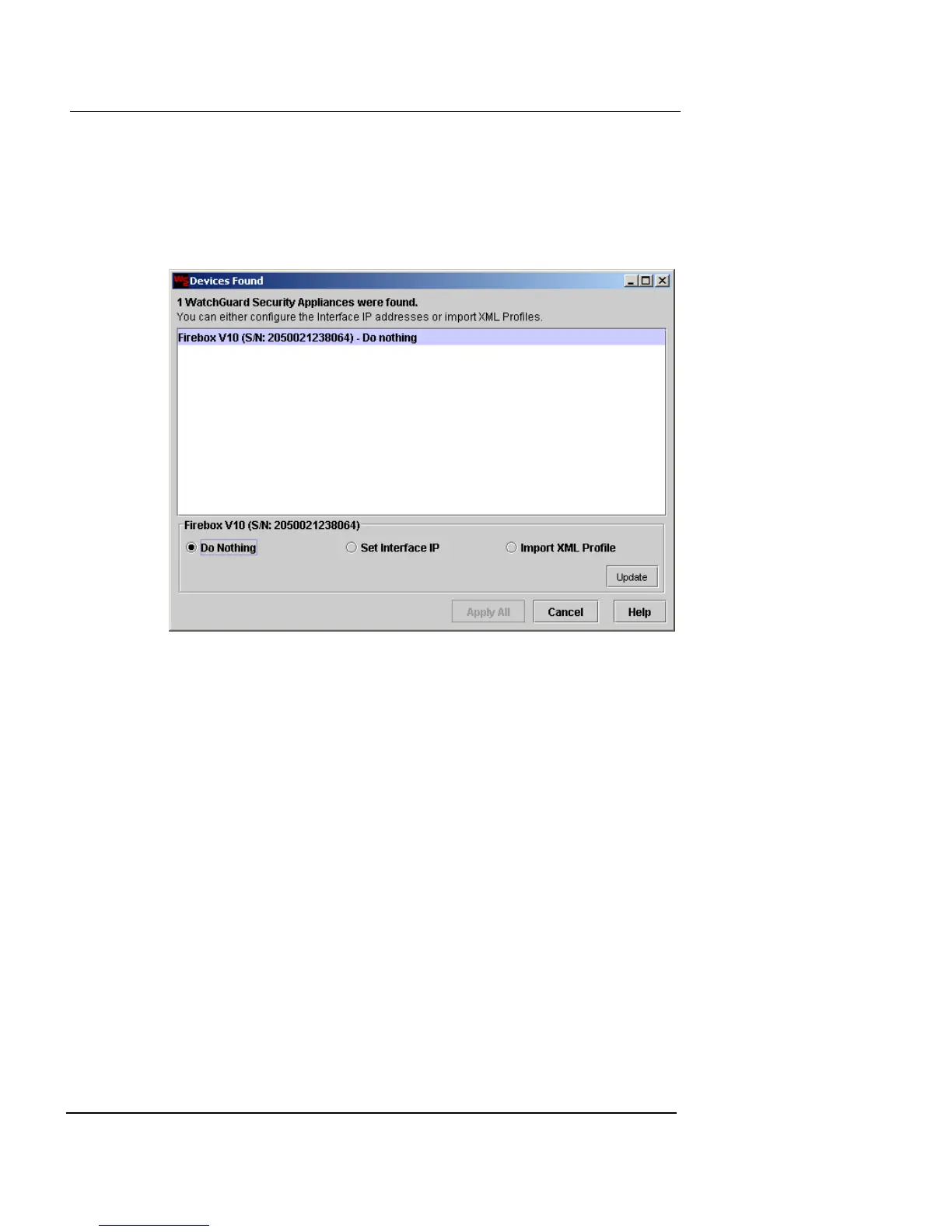
When an appliance is discovered, the Devices Found dia-
log box appears, displaying all discovered appliances with
their models and serial numbers.
This window provides the following features:
• A large list area that displays all of the appliances
discovered in the local subnet. In this case, only your
new Firebox Vclass appliance will be listed. You can set
interface 0 (Private) IP addresses or import profiles into
more than one appliance at the same time.
• A collection of options that enable you to set the
identity of a selected appliance’s Private interface or
import an existing appliance profile into a selected
device.
You set the IP address of the Interface 0 as described in
the following section. This is the task you perform with
a new appliance.













 To Next Page