Using the Firewall Options
Firebox Vclass User Guide 193
You can define multiple firewall policies to work in con-
junction with each other. For example, in addition to the
policy described previously, you could define a separate
policy that grants HTTP access to the Internet for internal
users.
You can also define a firewall policy for internal traffic, to
block internal network users from unauthorized Internet
access, such as Web browsing.
Defining the firewall action
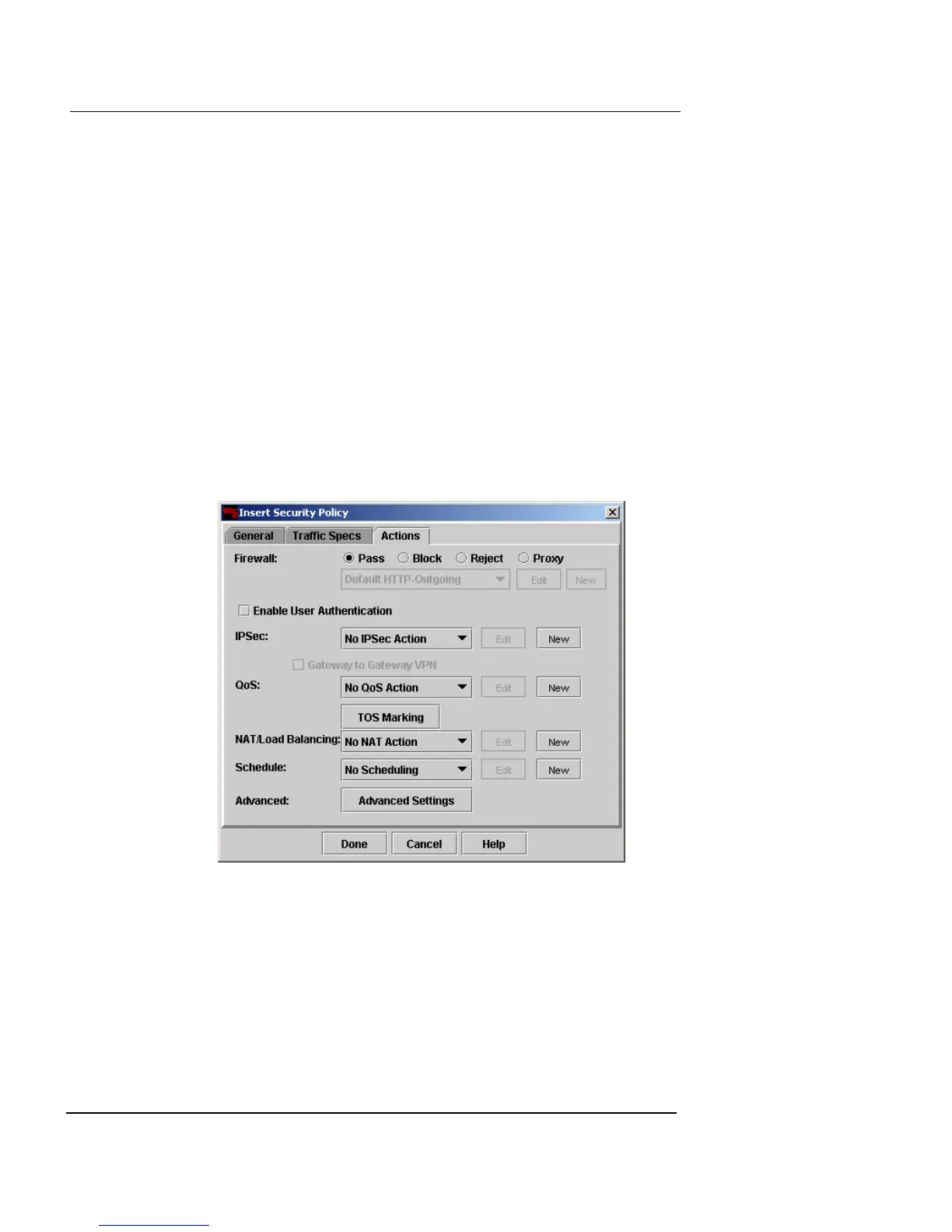
The firewall action is defined in the Actions page of the
Insert Security Policy dialog box. To see and configure fire-
wall actions, click the Actions tab.
Select one of the following options to define what you
want the firewall to do with the traffic defined by the traf-
fic specification.
Pass
Permits all qualifying external traffic through the
firewall.













 To Next Page