Routing Configuration
Firebox Vclass User Guide 109
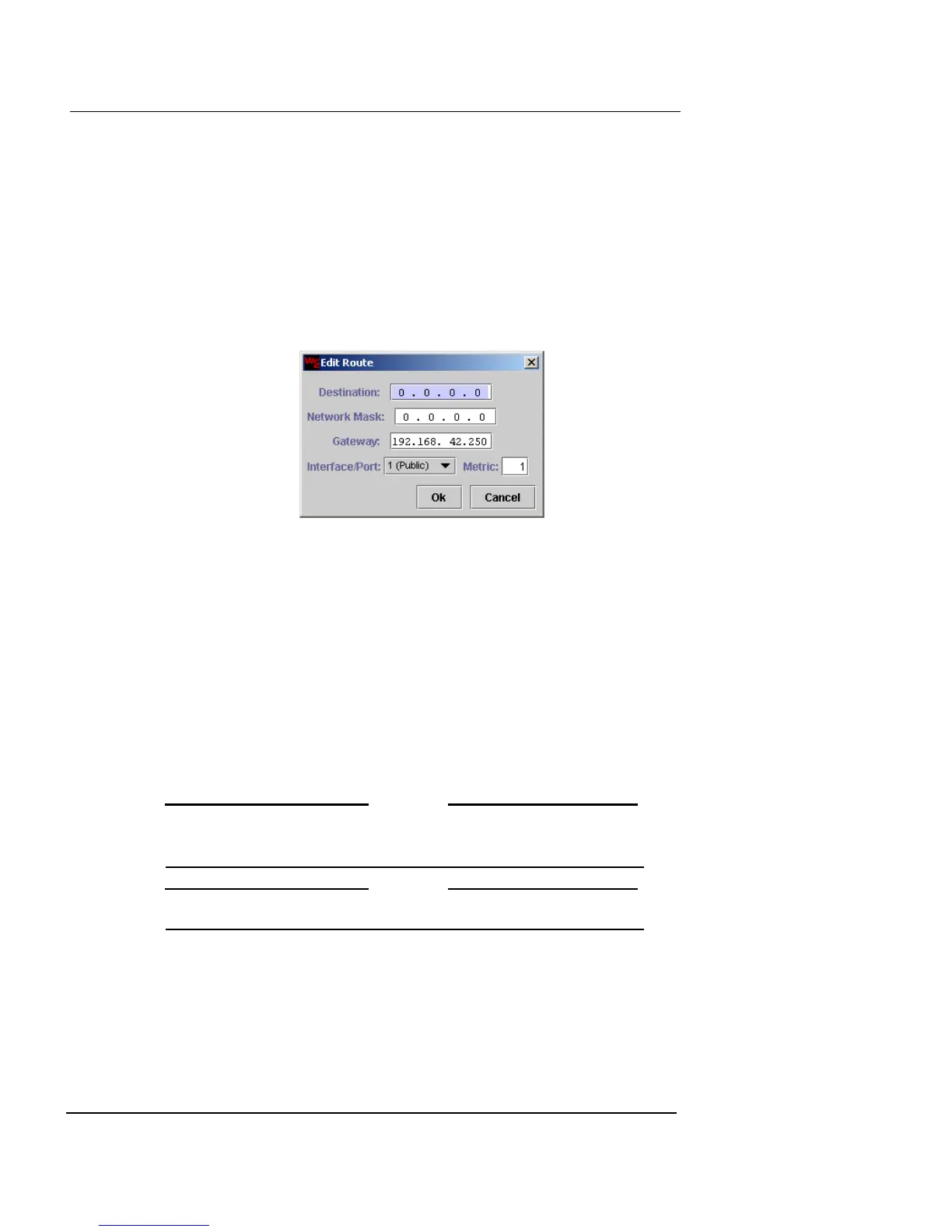
3 Type the destination, network mask, gateway, and
metric in the appropriate fields. Select the interface
from the drop-down list and then click OK.
You cannot select the Interface in Transparent Mode.
4 Repeat this process to add other static route entries.
5 To modify an existing route, select the entry and click
Edit.
The Edit Route dialog box appears
6 Click OK.
Configuring dynamic routing
Firebox Vclass supports 3 dynamic routing protocols,
which are built on GNU Zebra (http://www.zebra.org) rout-
ing software support:
• Routing Information Protocol (RIP) version 1 and 2
• Open Shortest Path First (OSPF)
• Border Gateway Protocol (BGP)
N
OTE
Dynamic routing currently does not support MIBs, SNMP,
multicast, or IPv6 routing protocols.
N
OTE
Dynamic Routing is not supported in Transparent Mode.
To configure dynamic routing:
1 Click Enable Dynamic Routing.
If you later decide to disable dynamic routing, click this option
again.
2 Select the routing protocols you are using.













 To Next Page