CHAPTER 6: System Configuration
110 Vcontroller
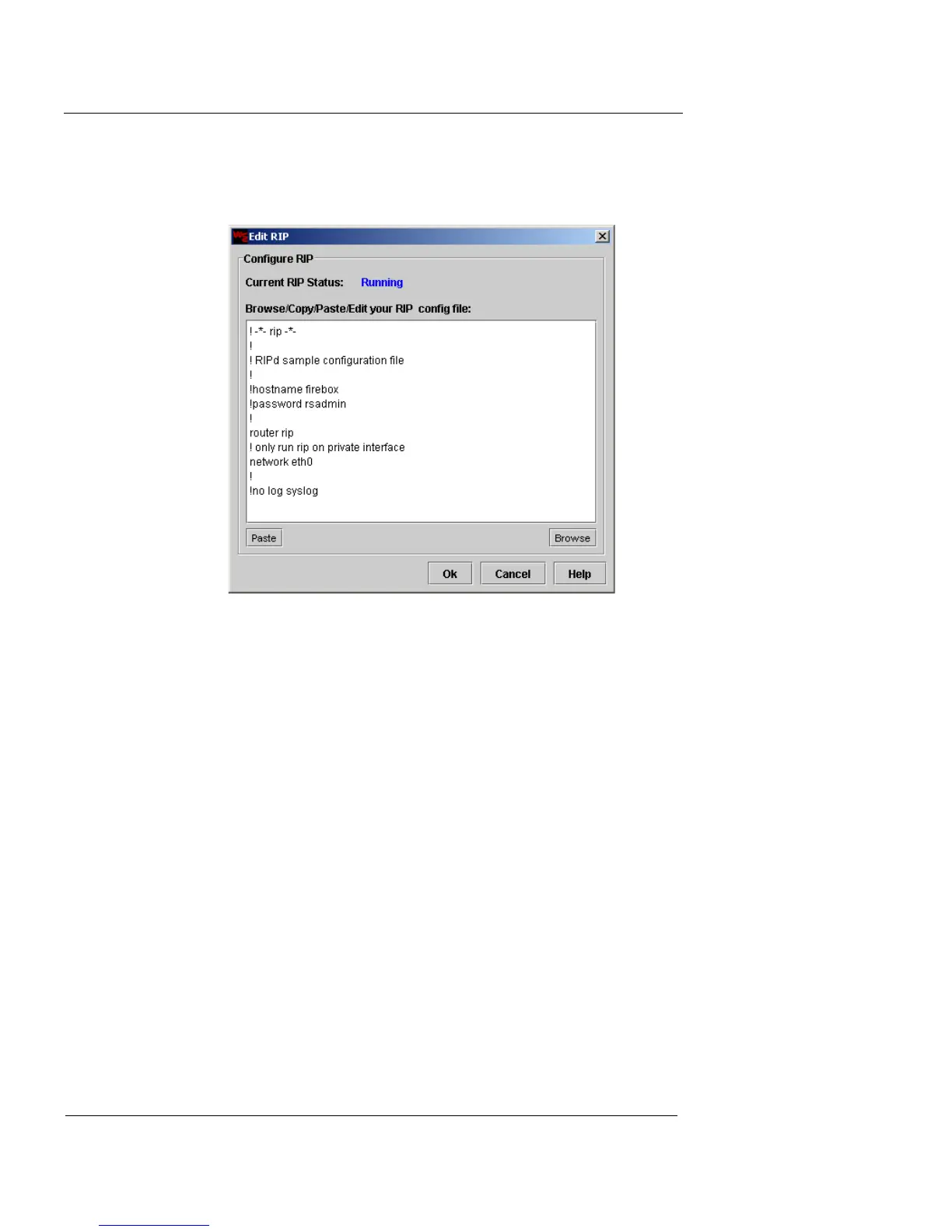
3 For each routing protocol you enable, click the Edit
button.
The Edit dialog for the routing protocol appears.
4 Click Paste to paste a preconfigured dynamic routing
configuration file into the text field, or click Browse to
locate the *.conf file on your management station.
To paste a file, it must first be copied to your system’s clipboard.
5 When you have pasted or loaded your routing
configuration files, click Apply.
The Routing dialog now indicates that the protocols you
configured are Running.













 To Next Page